Nowadays you can create content easily using ai writers, then build sales funnel & use lead magnets to attract people and send them emails using email marketing tools, but what if you could turn a single hour of your time into a lead-generating machine that works 24/7?
Webinars are no longer just “online meetings”—they are the undisputed ROI champions of digital marketing.
Statistics show that high-performing webinars can boast conversion rates of over 60%, and 91% of B2B professionals now rank them as their preferred content format.
But here is the reality: even the most brilliant presentation will fail if your software freezes, your audio lags, or your registration page is a nightmare to navigate.
Choosing the right platform is the difference between a seamless, professional brand experience and a technical disaster that leaves your audience hitting the “Leave Meeting” button.
Whether you need AI-powered automation to run “evergreen” sessions while you sleep, or robust interactive tools like live polls and breakout rooms to keep a 1,000-person crowd on the edge of their seats, the market is more crowded than ever.
To save you from the “tech-headache,” I’ve tested and ranked the best webinar software available today.
From budget-friendly starters to enterprise-grade powerhouses, here are the tools that will help you dominate the digital stage and turn viewers into loyal customers.
Disclosure: This post may contain affiliate links. This means if you click on one of the links and purchase anything I may receive some affiliate commission at no extra cost to you. Thanks in advance for your support.
Connect & Convert: 5 Webinar Tools That Do the Hard Work for You
#1. ClickMeeting
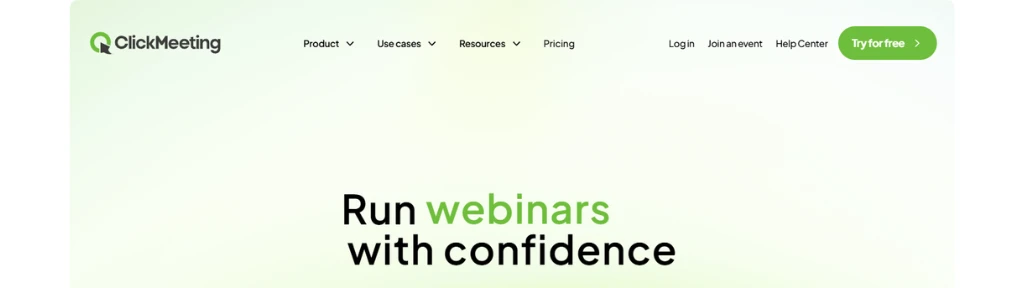
ClickMeeting is a browser-based webinar and online meeting platform that helps experts and businesses host live and paid webinars without installing software. It emphasizes easy monetization, audience engagement, and flexible access through trials and subscriptions.
What it’s best for
ClickMeeting is best for paid webinars where you want to sell access to live or on-demand events using a built-in ticketing and secure payment system. It also works well for turning webinar recordings into on-demand products that continue to generate revenue after the live event ends.
Who it’s ideal for
- Trainers, coaches, and educators who want to monetize their expertise through virtual tickets.
- SaaS companies, agencies, and small businesses that need a reliable webinar solution without complex installation or setup.
- Creators testing webinar ideas using a risk-free 14‑day (or extended 30‑day) free trial before committing.
Pros
- Built-in ticketing system, secure payments, and tools for promotions like discount codes and special offers.
- Ability to monetize recordings by offering them in an on-demand format after the live event.
- No-installation, browser-based access plus a free trial without payment details required for standard testing.
Cons
- Selecting a subscription package skips the free trial and immediately requires payment details, which may surprise some users if they overlook this rule.
- Prepaid monthly or yearly billing may feel inflexible for very occasional webinar hosts who prefer true pay-per-use models.
#2. EasyWebinar
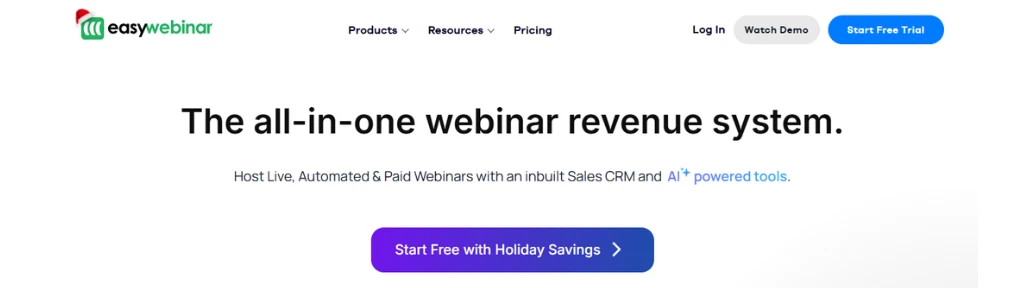
EasyWebinar is an all‑in‑one webinar platform for hosting live, automated, and evergreen webinars designed to build trust, boost sales, and run 24/7 without constant live presence. It combines webinar delivery, engagement tools, automation, and analytics in one system.
What it’s best for
EasyWebinar is best for revenue-focused webinar funnels where a single webinar or evergreen sequence drives consistent course, coaching, or SaaS sales. It shines in turning live webinars into automated, just‑in‑time sessions with smart scheduling, timed CTAs, and repurposing workflows.
Who it’s ideal for
EasyWebinar is ideal for creators, coaches, course sellers, and businesses that want to scale from occasional live events to always‑on, automated webinars. It also suits teams needing HD streaming, co‑hosts, moderator tools, and analytics to support larger launches or recurring demos.
Pros
- Flexible formats: live, automated, evergreen, with HD no‑delay streaming and local‑timezone scheduling.
- Strong engagement: real‑time chat, polls, timed offers, simulated chat, and auto‑recording for evergreen content.
- Business stack: page builder, CRM/email integrations, advanced analytics, and email automation, scalable up to 50K attendees with enterprise security.
Cons
- Rich feature set and automation options may feel overwhelming for very small or one‑off webinar users.
- Best value appears when used as a central webinar funnel system at scale, which might exceed the needs of simple internal meetings or occasional events.
#3. Riverside
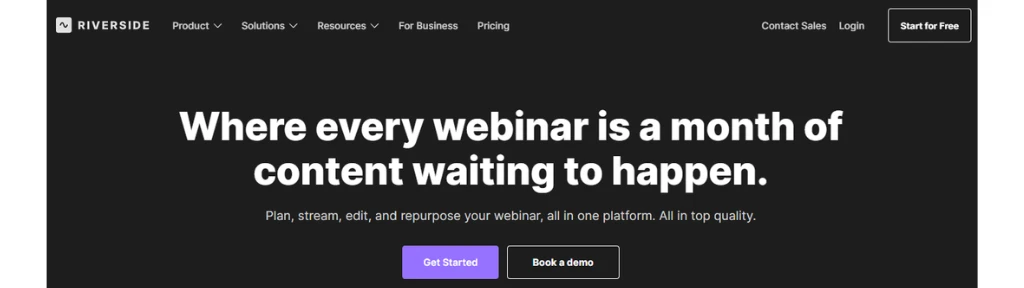
Riverside is an AI-powered, browser-based studio for recording, editing, and repurposing studio-quality podcasts, videos, webinars, and live streams in one workflow. It targets creators and teams who want local 4K recording plus fast, AI-driven post-production.
What it’s best for
Riverside is best for high-quality remote podcasting and video content where each participant is recorded locally in up to 4K video and uncompressed audio, independent of internet issues. It also excels at AI-assisted editing, automatically generating polished cuts, clips, transcripts, show notes, and promotional assets from a single session.
Who it’s ideal for
Riverside is ideal for podcasters, content creators, marketers, and producers who need professional-grade recording without a physical studio. It also suits marketing and L&D teams running webinars, virtual events, and internal communications that must be recorded once and repurposed across channels.
Pros
- Local 4K recording with separate audio/video tracks for each speaker, ensuring studio-level quality regardless of connection.
- Robust AI toolkit: text-based editing, filler-word removal, auto layouts, captions, B-roll generation, translations/dubbing, and AI Co-Creator for clips and assets.
- End-to-end stack: multi-destination live streaming, built-in podcast hosting, analytics, automated registration and reminders for webinars, and direct publishing to YouTube, Spotify, and Apple.
Cons
- Rich AI and multi-feature environment may feel complex for casual users who only need simple meetings or basic recording.
- Best value emerges when used as a central content hub across podcasting, webinars, and marketing, which may exceed the needs of very small or single-project users.
#4. StealthSeminar
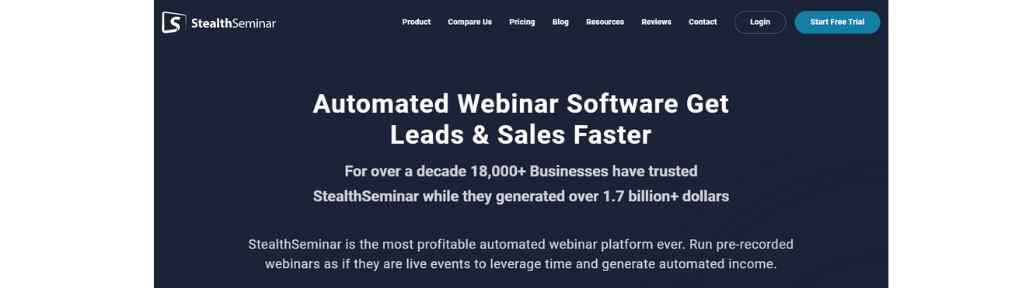
StealthSeminar is an automated and live webinar platform focused on turning pre‑recorded content into high-converting, “live-like” events that generate leads and sales on autopilot. It aims to save time while increasing authority, engagement, and revenue through scalable webinar funnels.
What it’s best for
StealthSeminar is best for running evergreen, automated webinars that simulate live events with scheduled replays, chat, CTAs, and reminders to create a high-conversion webinar funnel. It also excels at providing done-for-you setup, templates, and training so users can launch profitable webinars without deep tech skills.
Who it’s ideal for
The platform is ideal for marketers, course creators, coaches, and business owners who rely on webinars for lead generation and sales but do not want to host live sessions repeatedly. It also suits educators and agencies needing analytics, split testing, and authority-building tools to refine ongoing webinar campaigns.
Pros
- Automated, live, and hybrid webinars with registration pages, CTAs, polls, SMS reminders, and email connections.
- Time-saving templates, slides, and high-converting registration pages plus built-in analytics and split testing.
- Strong support: onboarding help, knowledge base, and positive testimonials highlighting reliability and customer service.
Cons
- Focus on webinar-centric funnels may be more than needed for businesses not heavily using webinars in their marketing.
- Reliance on automation and “live-like” experiences can require careful messaging to maintain transparency and audience trust.
#5. Crowdcast
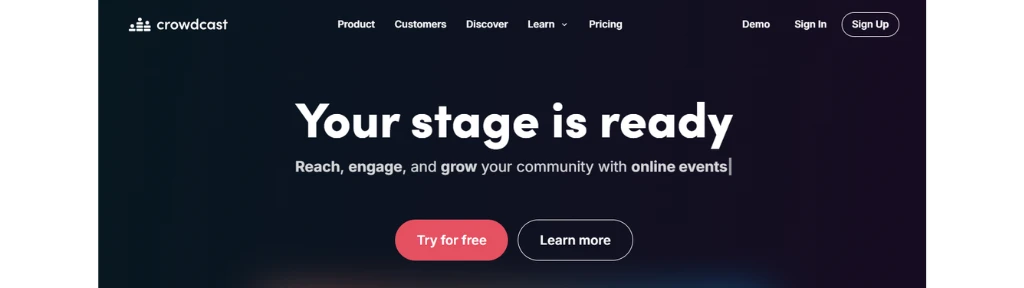
Crowdcast is a live video events platform built for creators and communities, focusing on highly engaging, interactive broadcasts rather than traditional slide-heavy webinars. It has hosted over 10 million attendees and emphasizes community-building around recurring events.
What it’s best for
Crowdcast is best for interactive live shows, community events, online courses, and virtual summits where engagement features like chat, Q&A, polls, and on-stage guests are central. It also excels at turning events into multi-purpose content through replays, timestamps, and channel followers.
Who it’s ideal for
Crowdcast is ideal for creators, educators, podcasters, musicians, and community organizers who want a branded “stage” rather than a corporate-style webinar room. It also suits membership and creator businesses using Patreon, Stripe, and Zapier for paid events, tiered access, and automation.
Pros
- Strong engagement: live chat, polls, Q&A with timestamps, bringing attendees on screen, and customizable stage layouts.
- Monetization and reach: free or paid events, flexible ticketing, Patreon and Stripe integrations, and simulcasting to Facebook, YouTube, and Twitch while capturing emails.
- Community focus: channel followers, series and courses, and 14‑day free trial to test the platform.
Cons
- Creator-centric design may feel less suited to formal, internal corporate webinars that require more traditional meeting features.
- Reliance on live production tools and branding options can add a learning curve for users who want very simple, plug‑and‑play webinars.
My Recommendation
To fulfill all your webinar needs EasyWebinar will be a great choice and can be considered the one of the effective platforms for webinars.
You are missing eWebinar!
Thanks for mentioning but I have not missed it, my research is not yet complete on eWebinar, JetWebinar & WebinarGeek, some more may be added at the next update.