InboxPro is an AI powered email management tool that helps you to boost your productivity in Gmail and close more sales. Here in this InboxPro review article we will see its features, benefits & pricing.
Disclosure: This post may contain affiliate links. This means if you click on one of the links and purchase anything I may receive some affiliate commission at no extra cost to you. Thanks in advance for your support.
InboxPro Review of Features
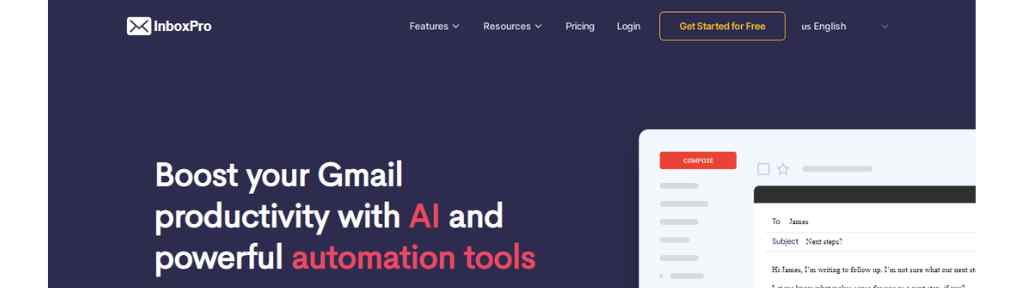
AI Email Assistant
All you need to do is click the magic compose button, write the subject & few words and the output texts will be generated by AI. It uses GPT-3 technology & produces original content.
It can summarize long form emails or newsletter & give you the important points so that you can get the needful info without wasting time.
Email Templates:
One of the most easiest ways to increase productivity is to automate repititive tasks, you can do that by building templates using your high converting emails.
InboxPro’s email template builder is very easy to use & customizable so you can add your own logo or brands’ assets. You can create unlimited templates & access it directly from Gmail compose window.
Email Sequences
Sending cold emails is not an interesting task, make it automated by setting up the conditions to send every emails of the sequence and activate it from Gmail with just one click.
Share the sequence with your team, perform A/B testing, analyze the performance and improve open rates.
Email Tracking:
Set up InboxPro’s email tracking feature by installing its chrome extension, test your email open rates & link clicks, optimize your sales process, get real time insights and follow up at the right time to close a deal.
Your data will remain safe & will never be shared to third parties as InboxPro follows the industy-standard privacy policies.
Email Analytics
There is no learning curve or setup needed, you just need to install the InboxPro’s chrome extension and then go to your dashboard and select a time range to see your email activity.
Analyze the KPIs and identify sales opportunities, you can export all your email data into a CSV file.
Calendar Schedule
Communicate in a better way with your prospects by embedding a calendar on your site, send a link or add an appointment booking button to get more leads.
You can set up 1-on-1 sessions, demo requests, meetings, webinars, events, etc. Zoom integration is also available.
Email Signature Generator
Without having any prior design skill you can use a ready made template to create your email signature by linking it to your Gmail address.
Maintain the consistency of your brand by using the same email signature or create multiple email signature if you want. It will be responsive & look good in any type of device.
InboxPro Benefits
Inboxpro.io provides several benefits that make it a valuable tool for anyone who needs to manage their email inbox. Some of these benefits are:
- Saves Time:
Inboxpro.io saves you time by automating many of the tasks associated with email management. You don’t have to spend time manually organizing your inbox or drafting individual responses.
- Increases Productivity:
Inboxpro.io increases your productivity by providing tools to help you manage your email inbox more efficiently. You can set up reminders, schedule emails, and use email templates to save time.
- Reduces Stress:
Inboxpro.io reduces the stress associated with managing a busy email inbox. You can set up email filters and rules to automatically sort your emails, so you don’t have to worry about missing important emails.
- Provides Valuable Insights:
Inboxpro.io provides analytics to help you understand your email usage patterns. You can see how much time you spend on email, how quickly you respond to emails, and other valuable insights.
InboxPro Pricing
You can use InboxPro free forever, the paid plan starts at $20/month (billed yearly) which is the Pro plan, it works for 1 user, 2500 contacts, gives you only 10 AI emails per day with other features.
The Advanced plan costs $41/month (billed yearly), for 3 users, 25000 contacts, gives you 100 AI emails per day, Pro features, report & insights, email copilot, etc.
The Growth plan costs $83/month (billed yearly), works for 5 users, 50000 contacts, gives you 200 AI emails per day, Advanced features, AI fine tuning model, integrations, priority support, live chat, etc.
25+ Best Email Marketing Tools to Generate Massive ROI
PhantomBuster Review: The Powerful Lead Generation Tool
F.A.Q About InboxPro Review
Is inboxpro safe and secure?
Inbox is safe & secure to use, to know more you can visit their Privacy Policy page or reach out to them at privacy@inboxpro.io if you have any issue.
But in order to work efficiently Inboxpro can read, send, delete & manage your mails, manage your basic mail settings, see, edit, download & permanently delete your contacts and access your Google calendar, if you are not okay with that then you should avoid it.