In today’s fast-paced business world, meetings are an integral part of the workflow. However, traditional meetings can often be time-consuming and unproductive, leading to a significant drain on resources.
This is where AI meeting assistants come into play. By harnessing the power of artificial intelligence, these innovative tools are revolutionizing the way meetings are conducted, improving efficiency and productivity in the process.
Before diving deep into the details of AI meeting assistants let me give you the list of best AI meeting assistants.
- Top 5 AI Meeting Assistants
- Some other AI Meeting Assistants
- Understanding AI Meeting Assistants: What They Are and How They Work
- Benefits of Using an AI Meeting Assistant
- Choosing the Right AI Meeting Assistant
- Implementing AI Meeting Assistants in Your Workflows
- Future Trends in AI Meeting Assistants
- My Recommendation
Disclosure: This post may contain affiliate links. This means if you click on one of the links and purchase anything I may receive some affiliate commission at no extra cost to you. Thanks in advance for your support.
Top 5 AI Meeting Assistants
Noota.io
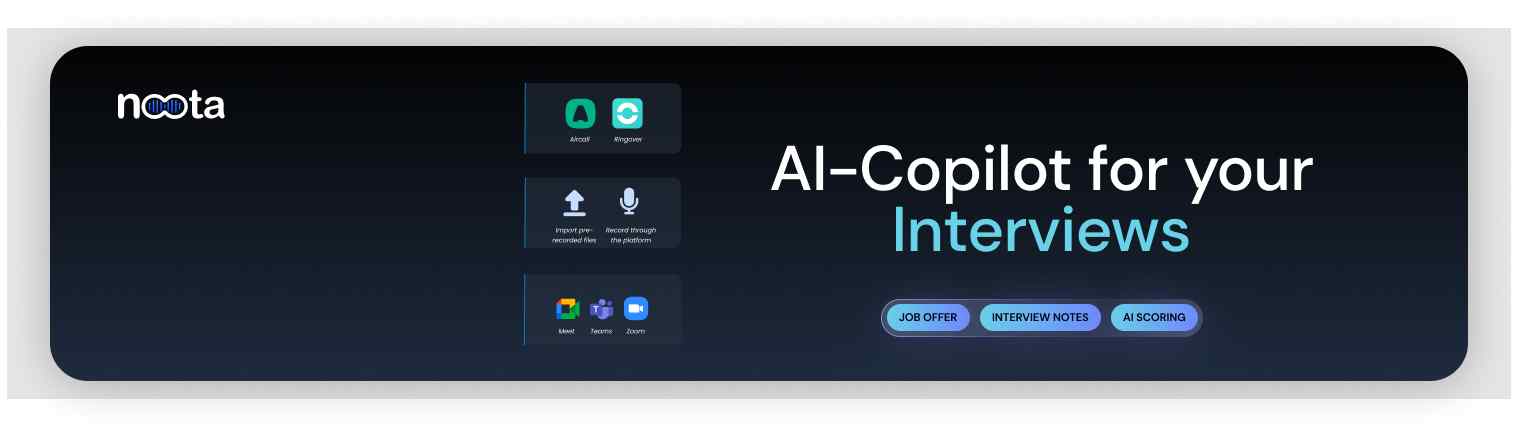
Noota is one of the top AI meeting assistants that helps you to record your meeting and generate notes for free.
This platform is very useful for recruiters and one of the main reasons of using it is their custom summary features which lets you customize your own summary template.
Noota Features
Noota Meeting Screen Recorder: If you are looking for AI assistants for Google Meets, AI assistants for teams or AI assistants for Zoom or Gotomeeting then Noota is your solution.
Record audio and video of your meeting to improve productivity and avoid communication breakdowns. Download the Chrome extension NootEx, start your meeting and launch its widget.
It will provide you timestamped notes and AI generated summaries. You can integrate Noota with your favorite apps to gather all relevant data.
Noota AI Meeting Notes & Summary: 8 templates of meeting notes are available to summarize all important information in your meeting.
Taking notes is time consuming tasks and you may miss relevant informations but you can use the screen recorder NootEx, select pre made summary template and create notes anytime during the meeting and categorize them according to your choice.
Noota Transcription Generator:
With Noota Transcription generator you can upload 20 files in a row and get accurate transcription within few minutes. Noota transcription generator is trained with over 80000 hours of data.
Noota can convert video to text or audio to text, with its first class editor not only it will generate real time transcripiton but you can tag & highlight also.
You can translate your recording in more than 30 languages. Export it to PDF, Word, TXT, VTT or SRT format.
Noota Real Time Guidance:
This free AI meeting assistant can prepare meeting guidelines, improve conversations with live alerts, and provide real time coaching by utilizing the knowledge base.
Noota Conversation Intelligence: It can automatically detect the topic of the conversations, questions asked by the participants, even the hesitation and repetition in the meeting.
It has sentiment analysis feature and it can automatically extract the most relevant and insightful moments of your conversation.
Noota Use Cases: Noota can be used for Sales, Recruiting, Consulting, Management, Academic & Research, etc it can be used as a very useful Podcasting tool also.
Noota Pricing
Noota free AI meeting assistant gives you 300 minutes of credits and 900 minutes of storage. Individuals can get the Solo plan of $10/month (billed annually) which comes with 1000 mintes of credits with 9000 minutes of storage along with other features.
Professional can get unlimited credits & storage with the Pro plan that costs $22 per user per month (billed annually) with live coaching, conversation intelligence, 8 summary templates and integrations.
They free plan will sunset very soon and only a free trial will be introduced so you can grab a free plan now and try it before it is gone.
Tldv.io
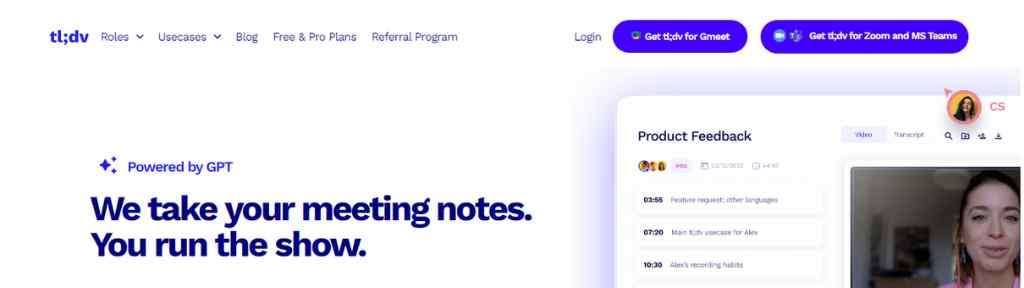
Tldv is the AI powered meeeting recorder for Zoom and Google Meet. This fabulous AI meeting assistant transcribed & summarizes your calls.
Tldv.io Features
Tldv Meeting Recorder: You can use its Zoom app or Google Chrome extension to record your meetings with high quality audio and video and access them in the library or share call moments. Create clips from your meeting recordings and share it to collect data or feedback.
Tldv AI meeting Transcription: It can transcribe your meetings instantly with speaker detection in 30+ languages. Even the free plan supports many of major languages. With the help of their AI note taker you can summarize the key moments of your meetings.
Tldv AI meeting overview: You can search important moments of your meeting by using keywords, AI will find & summarize every discussion related to the keyword.
Tldv Integration & Automation: Seamless integration with Notion, Google Docs, HubSpot, etc is available. You can also download Microsoft Team meetings with ease using Tldv.
Product teams, Sales teams, Customer Success teams, or Hiring & Recruiting teams can take advantage of this free AI meeting assistant.
Tldv.io Pricing
Tldv provides a generous free forever plan for individuals & small teams with unlimited recording & transcripts.
Its Pro plan with advanced team features costs $20 per recording user per month (billed annually).
Airgram.io
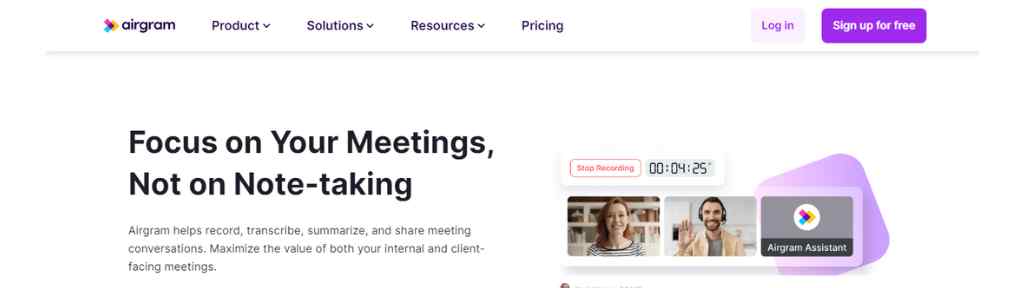
Airgram is another popular AI meeting assistant for Microsoft Teams, Zoom and Google Meet. You can use its Chrome extension.
Airgram Features
Meeting Notes: With their rich-text Notepad write down and organize your notes, let other edit, comment or collaborate on the meeting notes in real time. Access all the related notes of a recurring meeting, follow up on your progress and track the notes with timestamp.
Meeting Agenda: Collaborate with your team to build meeting agendas, in built templates are also available. Assign time duration for your meeting and display agenda timer in a Zoom call.
Free Meeting Recorder: It can online calls with high quality audio and video and it will be available instantly. You don’t even need permission from the host to record meeting and review or share the meeting easily.
Meeting Transcription: The transcript appear in real time with 90% accuracy. It supports only 8 languages for transcription. Airgram automatically adds timestamp to the texts to sync it with the recording. You can make edit to the transcript, get key insights or share them easily.
Assign tasks, follow up and track action items. Auto join scheduled meeting with Airgram. Capture important parts of your meeting by creating video clips and share them with others, export meeting documents to Notion, Google Docs or MS Word. Convert both audio & video into texts with ease.
Airgram Pricing
Airgram is free for recording only 5 meetings per month with maximum duration of 30 minutes per meeting.
The paid Plus plan gives you 5 hours per meetings with unlimited meeting records and other features and costs $18 per user per month.
Noty.ai
This AI meeting assistant makes your meetings actionable and helps you to save hours of your daily routine.
Noty.ai Features
You can organize & prioritize your tasks and increase your productivity by generating to do lists from your meeting content using Noty. Get summaries and meeting takeaways with the power of AI.
Save your time with AI powered follow up, get meeting transcriptions and notes, analyze them. Search, share or export the highlights and notes of your meetings.
Collaborate with your team using Noty and increase engagement, all communication and collaboration tools can be integrated seamlessly with Noty.
Just like the other AI powered meeting assistants it has also similar use cases like project management, product management, sales & discovery, HR & recruitment, etc.
Noty.ai Pricing
You can use Noty as a free AI meeting assistant for unlimited meeting and other limited features. The Paid plan costs $14.99 per user per month (billed annually) for up to 20 users.
Meetgeek.ai
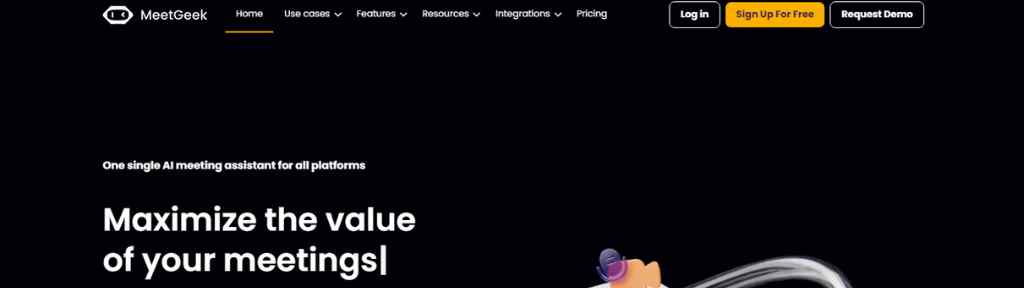
Meetgeek is another amazing AI meeting assistant to record, Transcribe, summarize & share your meeting notes and maximize the output of your meetings.
Meetgeek Features
Meetgeek Meeting Transcription Software: Enable Meetgeek for Microsoft Teams, Google Meet and Zoom and it will automatically record and transcribe your meetings, interviews and calls. You can download the transcriptions, navigate them using timestamps or overlay your videos with auto generated captions. You can upload audio and video files to transcribe them.
Meetgeek AI Generated Summaries: Get automatic meeting summaries and focus on the key points. AI meeting summaries is available in 20+ languages.
Meetgeek Highlights & Keyword Detection: Easily retrieve and share important parts of your meeting using highlights & keywords. This is very useful for Sales teams, Recruiters and consultants.
Meetgeek Repository of Conversation: Access all your meeting recordings and transcript in one place and share it with your team easily.
Meetgeek helps you to collaborate with your team seamlessly. Share key topics of your calls with your team members. Meetgeek can analyzes your meeting based on various different factors.
You can use Meetgeek’s pre designed meeting templates or create your own to make your meetings more productive. Customize your meeting assistant and deliver branded meeting experience. Meetgeek can be integrated with 2000+ apps.
Meetgeek Pricing
Get 5 hours of transcription per month with Meetgeek free plan. The Pro & Business plans costs $15 per user per month (billed annually) and $29 per user per month (billed annually) with 20 hours of transcription per month and 100 hours of transcription per month respectively. You can get unlimited transcription with the Enterprise plan which starts at $59/month (billed annually).
Some other AI Meeting Assistants
Otter.ai – Get voice meeting notes and real time transcription with Otter. Free plan is available.
Fathom Video – Fathom is absolutely free AI meeting assistant to record, transcribe, highlight and summarize your meetings.
Understanding AI Meeting Assistants: What They Are and How They Work
AI meeting assistants are intelligent software programs that leverage artificial intelligence technologies to assist in the planning, execution, and follow-up of meetings. These assistants are designed to understand and interpret spoken or written language, enabling them to perform a wide range of tasks related to meetings.
At their core, AI meeting assistants utilize natural language processing (NLP) techniques to analyze and understand human language. They can process both spoken and written communication, allowing users to interact with them through voice commands or text inputs. Through sophisticated algorithms, AI meeting assistants are able to extract meaning and context from these inputs, enabling them to perform various functions.
One of the primary functions of an AI meeting assistant is scheduling meetings. By integrating with calendars and analyzing the availability of participants, these assistants can automatically find the most suitable time slots for meetings and send out invitations to all relevant parties. This eliminates the back-and-forth communication often associated with scheduling and saves valuable time for all participants.
Additionally, AI meeting assistants can assist in creating meeting agendas. They can generate and organize agenda items based on input from participants or predefined templates. This ensures that meetings have a clear structure and that all necessary topics are covered.
During meetings, AI meeting assistants can actively participate by transcribing conversations in real-time. Using advanced speech recognition technology, they can accurately capture and record what is being said, creating detailed meeting minutes. This feature is particularly useful for participants who may want to refer back to specific discussions or decisions made during the meeting.
Furthermore, AI meeting assistants can help manage meeting collaboration by facilitating smooth communication and information sharing. They can distribute meeting materials such as presentations or documents to participants, ensuring everyone has access to the necessary information. Some assistants can even provide real-time suggestions or prompts based on the context of the discussion, helping to keep the meeting on track and ensuring that important points are addressed.
After the meeting, AI meeting assistants continue to play a role in the follow-up process. They can generate and distribute meeting summaries, outlining key discussion points, action items, and decisions made. This ensures that all participants have a clear understanding of the outcomes and responsibilities assigned to them. Additionally, AI meeting assistants can track and monitor the progress of action items, sending reminders and notifications to participants to ensure timely completion.
The underlying technologies that power AI meeting assistants include natural language processing, machine learning, and data analytics. These technologies enable the assistants to continuously improve their understanding and performance by learning from user interactions and feedback.
Overall, AI meeting assistants are designed to simplify and streamline the entire meeting process, from scheduling to execution and follow-up. Their ability to understand and interpret human language, automate administrative tasks, and facilitate collaboration make them invaluable tools for improving efficiency and productivity in meetings.
Benefits of Using an AI Meeting Assistant
Using an AI meeting assistant offers numerous benefits that can significantly enhance the efficiency and productivity of your meetings. Let’s delve into some of the key advantages:
- Improving Meeting Efficiency: AI meeting assistants streamline the entire meeting process, saving time and effort for all participants. By automating tasks such as scheduling meetings, finding suitable time slots, sending out invitations, and managing reminders, these assistants eliminate the need for manual coordination and reduce the back-and-forth communication that often occurs. This allows participants to focus on the agenda and discussions, maximizing the value of the meeting.
- Facilitating Better Meeting Collaboration: AI meeting assistants excel in improving collaboration among meeting participants. Through real-time transcription capabilities, they can accurately capture and document the discussions, decisions, and action items during the meeting. This ensures that all participants have access to detailed meeting minutes, even if they were unable to attend or need to review the content later. Furthermore, AI meeting assistants can facilitate information sharing by distributing meeting materials and providing contextually relevant suggestions or prompts during the meeting, helping to keep the discussion on track and ensuring that important points are addressed.
- Promoting Task Management and Follow-ups: AI meeting assistants are adept at managing tasks and follow-ups resulting from meetings. They can assign action items to individuals, set deadlines, and send reminders to ensure that tasks are completed in a timely manner. By centralizing task management within the assistant, participants can easily track their responsibilities and progress, reducing the risk of tasks being forgotten or delayed. This promotes accountability and ensures that the outcomes of the meeting are effectively implemented.
- Enhancing Communication and Accessibility: AI meeting assistants facilitate effective communication by providing a centralized platform for participants to access meeting-related information. They can distribute meeting agendas, materials, and summaries, ensuring that all participants are well-prepared and have a clear understanding of the meeting objectives. Additionally, the assistants can send notifications and reminders to participants, keeping everyone updated on schedule changes or important updates. This improves communication and ensures that all relevant stakeholders are well-informed.
- Reducing Administrative Burden: Traditional meetings often involve a significant amount of administrative work, from scheduling and coordinating logistics to documenting and distributing meeting minutes. AI meeting assistants alleviate this burden by automating administrative tasks, allowing participants to focus on the substance of the meeting rather than the logistics. This not only saves time but also reduces the risk of errors or oversights commonly associated with manual processes.
- Enhancing Productivity and Time Management: By streamlining meeting processes and automating routine tasks, AI meeting assistants enable participants to make the most of their time. Participants can allocate their energy and attention to meaningful discussions and decision-making, rather than getting caught up in logistical details. The assistants help prioritize and optimize the use of meeting time, ensuring that all participants are engaged and focused on achieving the desired outcomes.
In conclusion, leveraging an AI meeting assistant brings multiple benefits to the table. From improving meeting efficiency and collaboration to promoting task management and follow-ups, these assistants enhance communication, reduce administrative burden, and boost overall productivity. Embracing AI meeting assistants can transform the way your organization conducts meetings and help unlock the full potential of your team’s collaborative efforts.
Choosing the Right AI Meeting Assistant
Selecting the right AI meeting assistant is crucial to ensure a seamless and effective integration into your workflow. There are several factors to consider when making this decision. Let’s explore these factors in detail:
- Features and Functionality: Start by assessing the features and functionality offered by different AI meeting assistant solutions. Consider what specific tasks and capabilities are important to your organization. For example, you may prioritize features such as automated scheduling, real-time transcription, task management, or integration with other collaboration tools. Evaluate how well each assistant meets your requirements and aligns with your meeting workflow.
- Compatibility and Integration: Determine whether the AI meeting assistant integrates smoothly with your existing systems and tools. Check if it can seamlessly connect with your calendar, email client, project management software, or any other relevant applications. Integration capabilities are crucial to ensure a seamless flow of information and data between different tools, avoiding duplication of efforts and enhancing overall productivity.
- Ease of Use: Consider the user-friendliness of the AI meeting assistant. It should be intuitive and easy for both meeting organizers and participants to use. Look for assistants with clear and simple interfaces, straightforward setup processes, and minimal training requirements. A user-friendly assistant will help ensure high adoption rates and minimize any potential workflow disruptions caused by a steep learning curve.
- Security and Data Privacy: Given the sensitive nature of meeting discussions and information, it is essential to prioritize security and data privacy when choosing an AI meeting assistant. Evaluate the security measures implemented by the assistant, such as encryption, access controls, and compliance with relevant data protection regulations. Additionally, consider where the data is stored and how it is handled by the assistant provider.
- Scalability and Customization: Consider the scalability of the AI meeting assistant solution. Can it accommodate the needs of your organization as it grows and evolves? Also, assess the level of customization available. Some assistants may offer flexibility in terms of adapting to your specific meeting processes, branding, or integrating with custom workflows. Choosing an assistant that can scale and adapt to your organization’s changing needs will ensure a long-term investment.
- User Reviews and Recommendations: Seek feedback from users who have hands-on experience with the AI meeting assistant solutions you are considering. Look for testimonials, case studies, and reviews online to gain insights into the real-world performance and user satisfaction. Consider reaching out to colleagues or industry peers for recommendations based on their own experiences.
- Cost and ROI: Evaluate the cost of implementing the AI meeting assistant solution, considering both the initial investment and any ongoing subscription or maintenance fees. Compare the features and benefits offered by different assistants with their associated costs to assess the potential return on investment (ROI). While cost is an important consideration, prioritize the value and benefits the assistant can bring to your meetings and overall productivity.
By carefully evaluating these factors, you can make an informed decision and choose the AI meeting assistant that best aligns with your organization’s needs, enhances your meeting processes, and improves efficiency and productivity.
Implementing AI Meeting Assistants in Your Workflows
Once you have chosen the right AI meeting assistant, the next step is to effectively implement it into your workflows. This involves integrating the assistant with your existing systems, training team members on its usage, and continuously monitoring and evaluating its effectiveness. Let’s explore each aspect in detail:
- Integrating AI Meeting Assistants with Existing Systems:
- Assess the compatibility and integration capabilities of the AI meeting assistant with your existing tools and systems. Ensure that it seamlessly integrates with your calendar, email client, project management software, and any other relevant platforms.
- Collaborate with your IT department or relevant stakeholders to set up the necessary integrations. This may involve configuring APIs, establishing data connections, or implementing single sign-on (SSO) authentication for a seamless user experience.
- Training Team Members on Using AI Meeting Assistants:
- Provide comprehensive training on how to effectively use the AI meeting assistant to all team members who will be interacting with it. This includes meeting organizers, participants, and administrators.
- Conduct training sessions, workshops, or provide online resources such as tutorials and user guides to ensure that everyone understands the features and functionalities of the assistant.
- Encourage team members to actively engage with the assistant during meetings and provide ongoing support and guidance as they become more familiar with its capabilities.
- Monitoring and Evaluating the Effectiveness of AI Meeting Assistants:
- Continuously monitor the usage and performance of the AI meeting assistant to assess its effectiveness in improving meeting efficiency and productivity.
- Collect feedback from team members and stakeholders to identify any challenges or areas for improvement. This can be done through surveys, feedback forms, or regular check-ins.
- Analyze data and metrics provided by the AI meeting assistant to gain insights into meeting patterns, participant engagement, and task completion rates. Use these insights to make data-driven decisions and identify areas for optimization.
- Iterative Improvements and Optimization:
- Regularly review and evaluate the effectiveness of the AI meeting assistant in meeting your organization’s goals and objectives.
- Identify any bottlenecks, pain points, or areas where the assistant can be further optimized. This can include refining its features, improving integration with other tools, or enhancing user experience.
- Stay updated with the latest updates and releases from the assistant provider. Take advantage of new features and functionalities that can further enhance your meeting workflows.
- Seek Feedback and Encourage Adoption:
- Actively seek feedback from team members regarding their experience and satisfaction with the AI meeting assistant. Encourage open communication and address any concerns or suggestions they may have.
- Promote the benefits of using the assistant to drive adoption and engagement. Highlight success stories and share best practices with team members to showcase the value it brings to meetings and overall productivity.
By effectively implementing AI meeting assistants into your workflows, you can maximize their benefits and optimize your meeting processes. With integration, training, monitoring, and continuous improvement, these assistants can become invaluable tools in enhancing collaboration, streamlining tasks, and improving overall efficiency in your organization.
Future Trends in AI Meeting Assistants
As technology continues to advance at a rapid pace, the future of AI meeting assistants holds exciting possibilities. Here are some of the future trends that we can expect to see in this field:
- Predicted Technological Advancements:
- Improved Natural Language Processing (NLP): AI meeting assistants will become even more proficient in understanding and interpreting human language, including nuances, colloquialisms, and context. This will enable more accurate and nuanced interactions with users, enhancing the overall user experience.
- Enhanced Speech Recognition: Speech recognition capabilities will continue to improve, leading to better transcription accuracy and real-time capturing of meeting discussions. This will result in more reliable and detailed meeting minutes, reducing the need for manual note-taking.
- Advanced Machine Learning Algorithms: AI meeting assistants will become smarter and more adaptive through advanced machine learning algorithms. They will continuously learn from user interactions and feedback to improve their performance, understand user preferences, and anticipate user needs.
- Impact on the Future of Workplace Collaboration:
- Virtual and Augmented Reality Integration: AI meeting assistants may integrate with virtual and augmented reality technologies, enabling immersive meeting experiences. Participants could join virtual meeting rooms, interact with virtual avatars, and have a more engaging and interactive collaboration experience.
- Multilingual Support: Future AI meeting assistants may offer seamless multilingual support, allowing participants who speak different languages to communicate and collaborate effortlessly. This will break down language barriers and enable global teams to work together more effectively.
- Emotion and Sentiment Analysis: AI meeting assistants could evolve to recognize and analyze emotions and sentiments expressed during meetings. This could help gauge the overall mood of the participants, identify areas of agreement or disagreement, and guide facilitators in managing group dynamics.
- Potential Challenges and Solutions:
- Data Privacy and Security: As AI meeting assistants handle sensitive meeting information, ensuring robust data privacy and security measures will remain a challenge. Future advancements will focus on implementing stronger encryption protocols, access controls, and compliance with data protection regulations to address these concerns.
- Ethical Considerations: The use of AI meeting assistants raises ethical questions, such as the appropriate use of data collected during meetings and the impact on human employment. Ongoing discussions and regulations will be necessary to ensure responsible and ethical use of these technologies.
In conclusion, the future of AI meeting assistants is promising. With advancements in natural language processing, speech recognition, machine learning, and integration with emerging technologies, these assistants will continue to enhance collaboration and productivity in meetings. However, it is crucial to address challenges related to data privacy, security, and ethical considerations to ensure that these assistants are developed and utilized responsibly. By staying updated with the latest trends and advancements, organizations can leverage AI meeting assistants to drive efficient and effective meetings in the future.
My Recommendation
My recommended AI meeting assistant is Noota.io, you can try Tldv as its alternative. But if you are going to use for recruiting then stay with Noota.io.
It’s fascinating how AI meeting assistants can drastically reduce the time spent on scheduling and follow-ups as mentioned. This automation can really help teams focus on the core topics that matter.
It’s interesting to see how AI meeting assistants can streamline workflows and reduce the inefficiencies associated with traditional meetings. Leveraging AI to capture notes and track action items could truly transform how teams collaborate.
I found the point on how AI meeting assistants can streamline the note-taking process particularly interesting. It’s fascinating to consider how much time can be saved in meetings by automating this task. I often rely on a comprehensive scheduling app to help manage my calendar around those productive sessions.
The insights on how AI meeting assistants can enhance productivity really stand out, especially the mention of automating note-taking to keep meetings focused. It’s fascinating to see how technology can streamline such a crucial part of our work life.
The idea of using AI meeting assistants to streamline workflows really resonates with the challenges many of us face in today’s work environment. It’s impressive how these tools can help reduce the time spent in meetings while improving overall productivity.
Utilizing AI meeting assistants can really streamline the workflow in our busy schedules, especially when it comes to summarizing discussions and scheduling follow-ups. It’s impressive how these tools tackle the common inefficiencies that most teams face.
The discussion around how AI meeting assistants can minimize the time allocated to administrative tasks is particularly eye-opening. Automating scheduling while also tracking key points can significantly enhance meeting efficiency. It’s exciting to think about the shift towards smarter, more productive meetings that truly respect participants’ time.