They say “email is dead,” but your bank account would beg to differ.
In reality, email remains the undisputed king of digital marketing, generating an average ROI of $36 for every $1 spent. But here is the catch: you can’t build an empire without the right tools.
With hundreds of platforms promising the moon—from AI-driven automation to drag-and-drop simplicity—finding the perfect software often feels like looking for a needle in a digital haystack.
Do you need the raw power of an enterprise tool, or the sleek simplicity of a creator platform? The wrong choice can cost you hours of frustration and thousands in lost revenue.
Stop guessing and start sending. I’ve cut through the noise to curate a list of the 17+ best email marketing tools available right now.
Whether you are a solopreneur on a budget or scaling an e-commerce giant, the perfect tool to skyrocket your open rates is waiting below.
Let’s dive in.
Disclosure: This post may contain affiliate links. This means if you click on one of the links and purchase anything I may receive some affiliate commission at no extra cost to you. Thanks in advance for your support.
- Top 5 Email Marketing Tools To Boost Your Revenue
- Email Marketing Platforms List: Some Other Email Marketing Tools To Transform Your Marketing Strategy
- Why it’s best for
- Not Recommended Email Marketing Tools
- Recommended Email Marketing Tools
- My Recommendation
- Best Email Sending Service :
- Best Email Validation Tool :
- Conclusion :
Top 5 Email Marketing Tools To Boost Your Revenue
#1. Mailerlite
MailerLite is a clean, beginner‑friendly email marketing and automation platform that combines campaigns, websites, landing pages, signup forms, and basic e‑commerce into one affordable tool.
Why it’s best for
MailerLite is best for creators, bloggers, and small businesses that want modern newsletters, simple automations, and landing pages without the complexity or cost of enterprise tools.
Its generous free plan (up to 500 subscribers and 12,000 emails/month) plus intuitive UI make it ideal for starting serious email marketing on a budget.
Ideal users
- Solopreneurs, indie authors, and content creators building audiences and selling simple digital products.
- Small businesses and nonprofits needing reliable newsletters, lead capture, and basic automations with minimal learning curve.
Pros
- Exceptionally simple, beautiful interface and drag‑and‑drop editor; fast to learn and use.
- Strong value: free‑forever plan, affordable paid tiers, automations, landing pages, A/B testing, and good deliverability.
- Good segmentation, signup forms, websites, and 24/7 support on paid plans.
Cons
- Fewer native integrations and some users report limits in analytics depth and template flexibility.
- Free plan lacks premium templates, advanced workflows, and priority support.
- Automation, reporting, and integrations are less advanced than platforms like ActiveCampaign or Klaviyo.
#2. Email Octopus

EmailOctopus is a simple, affordable email marketing platform focused on easy list growth, branded campaigns, and light automation for small businesses and creators.
Why it’s best for
EmailOctopus is best for users who want clean, no‑frills email marketing with one of the most generous free plans (2,500 subscribers and 10,000 emails/month) and low-cost upgrades.
It’s strong when you need reliable newsletters, basic sequences, and landing pages without complex funnels or bloated dashboards.
Ideal users
- Bloggers, indie SaaS, nonprofits, and side‑project founders growing lists on a tight budget.
- Marketers who prefer a lightweight tool with straightforward automation (welcome and drip sequences) and clear reports.
Pros
- Very generous free plan and cheap Pro plans; even cheaper Connect option via Amazon SES.
- Intuitive drag‑and‑drop editor, modern templates, segmentation, forms, and landing pages.
- Easy list management, near 24/7 support, and simple analytics that are quick to understand.
Cons
- Fewer native ecommerce and deep integrations compared with larger ESPs, so some setups require third‑party tools or custom workarounds.
- Automation is limited (no advanced visual workflows or complex logic yet).
- Smaller template library and no native A/B testing on lower tiers.
#3. Sender
Sender is a budget-friendly email and SMS marketing platform that offers advanced automation, strong deliverability, and a very generous free plan, making it competitive with far pricier tools.
Why it’s best for
Sender is best for small businesses, e-commerce brands, and creators who want pro‑level automation, segmentation, and reporting without enterprise pricing.
The Free Forever plan (2,500 subscribers, 15,000 emails/month, most features included) makes it especially strong for serious email marketing on a tight budget.
Ideal users
- Ecommerce stores needing abandoned‑cart, order, win‑back, and product recommendation flows.
- SMBs, bloggers, and course creators who want visual automation, landing pages, popups, and high deliverability in one simple tool.
Pros
- Generous free plan with automation, segmentation, popups, and landing pages; affordable paid tiers from around $7/month.
- Advanced automation and behavior-based segmentation plus consistently strong inbox placement.
- 24/7 live support, clear UI, and growing integration ecosystem (WordPress, WooCommerce, Shopify, WP Fusion, and more).
Cons
- Free plan emails include Sender branding, and SMS features are limited on lower tiers.
- Template design and customization are good but not as polished as some premium ESPs.
- Advanced options can have a learning curve, and very large senders may eventually want more enterprise analytics and native integrations.
#4. SendPulse
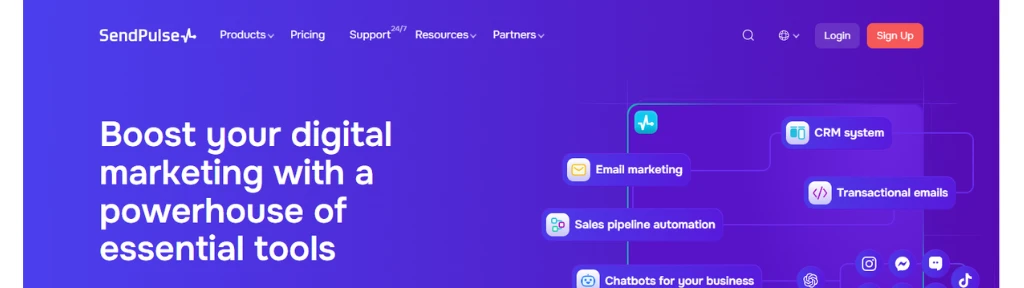
SendPulse is a multichannel marketing automation and CRM platform that bundles email, SMS, web push, chatbots, website builder, pop‑ups, CRM, and an online course builder into a single, affordable toolkit.
Why it’s best for
SendPulse is best for small and growing businesses that want a generous free‑forever plan plus true multichannel automation (email, chatbots, web push, SMS) without buying separate tools.
Its Automation 360 flows and built‑in CRM make it strong for teams that need to orchestrate entire customer journeys from one dashboard.
Ideal users
- Solo creators, coaches, and eLearning businesses building websites, funnels, and online courses on a budget.
- SMBs and agencies that need email campaigns, chatbots (WhatsApp/Telegram/Instagram/Facebook), and sales pipelines in one place.
Pros
- Very generous free plan: up to 15,000 emails/month, 3 chatbots, 1 website, CRM, pop‑ups, and web push, no credit card.
- True omnichannel automation with Automation 360 across email, SMS, web push, chatbots, and CRM.
- Built‑in CRM, LMS/online course builder, and detailed segmentation/analytics for a “Swiss Army knife” stack.
Cons
- Lower plans have more basic analytics and constraints on advanced automation elements.
- Interface can feel cluttered or slow; some features are harder to find.
- Email templates and design flexibility are more limited than top-tier ESPs.
#5. Omnisend
Omnisend is an ecommerce‑first email and SMS marketing platform that unifies email, SMS, and web push automation to help online stores convert more visitors and increase repeat orders.
Why it’s best for
Omnisend is best for Shopify, WooCommerce, BigCommerce, and other ecommerce brands that want prebuilt, revenue-focused workflows—welcome series, abandoned cart, browse abandonment, post‑purchase, and product reviews—without building everything from scratch.
Its tight store integrations, product picker, dynamic product recommendations, and revenue attribution make it especially strong for tracking sales directly back to flows and campaigns.
Ideal users
- Small to mid‑size online stores needing omnichannel automation (email + SMS + push) with minimal setup.
- Marketers who want unlimited, real‑time segments based on shopping behavior, campaign activity, and lifecycle stage.
Pros
- Ecommerce-native: product feeds, discount codes, cart/browse workflows, product recommendations, and revenue‑based reporting.
- Omnichannel automation editor lets you mix email, SMS, and web push in one flow; generous free plan and competitive Standard/Pro pricing.
- Excellent forms and pop‑ups, strong segmentation, and highly rated 24/7 support (Stevie Award, thousands of 5‑star reviews).
Cons
- Analytics and testing are more basic (no multivariate tests or deep BI/predictive features), and deliverability is reported as slightly behind some competitors.
- Email template library is smaller than some rivals, and design flexibility can feel limited for pixel‑perfect branding.
- SMS costs add up at scale, and there are fewer third‑party integrations than tools like Klaviyo or Mailchimp.
Also read – 11+ Chatbot Builders
Also read – 33+ WhatsApp Tools to Grow Your Business
Email Marketing Platforms List: Some Other Email Marketing Tools To Transform Your Marketing Strategy
#6. Brevo
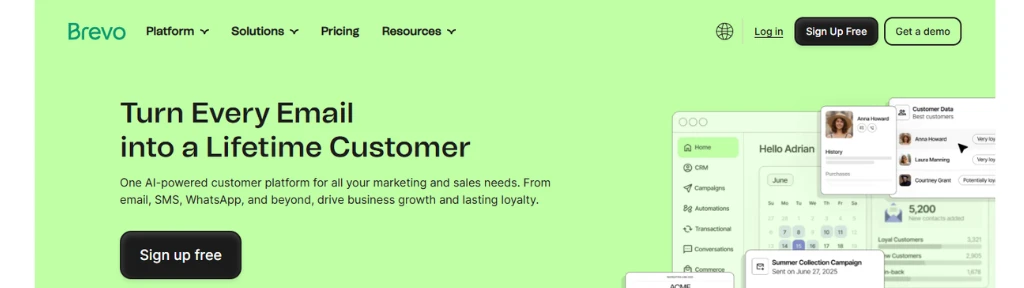
Brevo (previously SendInBlue) is an AI-enabled email marketing, automation, and CRM platform that unifies email, SMS, WhatsApp, chat, transactional messaging, sales tools, and a data platform in one affordable stack.
Why it’s best for
Brevo is best for small and mid-sized businesses that want multichannel campaigns (email, SMS, WhatsApp) plus a lightweight CRM and automation without enterprise-level costs.
Its generous free and low-cost plans with high contact limits and strong automation make it especially attractive for budget-conscious teams.
Ideal users
Brevo is ideal for:
- Ecommerce brands and startups running email + SMS/WhatsApp flows (promos, order updates, reminders).
- Service businesses and agencies needing simple pipelines, meetings, and AI contact enrichment within a built-in CRM.
Pros
- All-in-one: email, SMS, WhatsApp, chat, CRM, sales tools, transactional APIs, and loyalty modules.
- Strong value: free plan, scalable pricing, generous contact storage, and advanced automation on lower tiers.
- AI features for segmentation, send-time optimization, and data analysis.
Cons
- Free plan has a 300-emails-per-day limit and basic reporting.
- A/B testing, landing pages, and multi-user access locked to higher Business/Enterprise tiers; extra users add cost.
- Analytics and documentation can feel limited, and support response times are sometimes reported as slow.
#7. MailerCloud
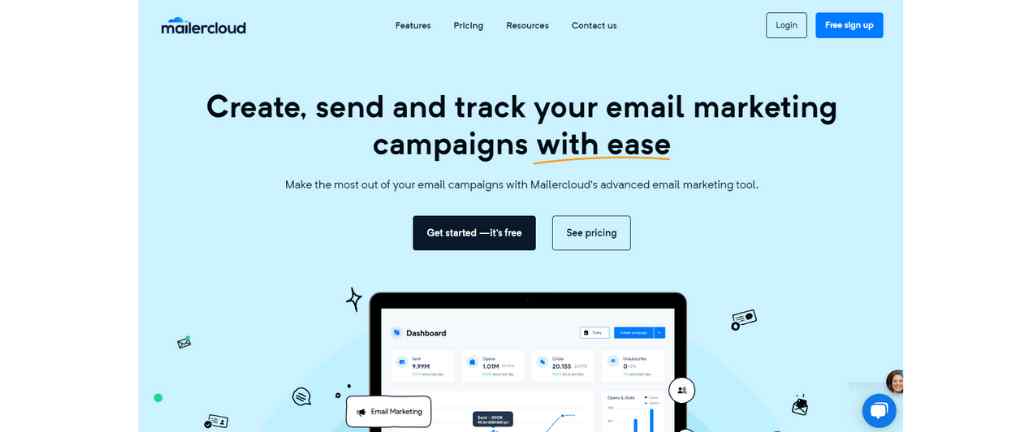
Mailercloud is an AI‑powered email marketing platform focused on making it easy to design, automate, and analyze campaigns with strong deliverability and budget‑friendly pricing.
Why it’s best for
Mailercloud is best for small to mid‑sized businesses that want modern features—AI subject lines, drag‑and‑drop emails, automation, A/B testing, segmentation, AMP emails, and detailed analytics—without paying enterprise prices.
Its free plan (1,000 contacts and 12,000 emails/month) plus unlimited emails on paid tiers starting around $10/month offer excellent value.
Ideal users
- SMBs, agencies, and ecommerce brands needing behavioral automations, product recommendations, and abandoned‑cart emails.
- Marketers who want a clean UI, strong list management and webforms, plus plenty of integrations and API options.
Pros
- Intuitive drag‑and‑drop builder, tested templates, webforms/landing pages, and advanced automation triggers.
- Generous free plan with automation, segmentation, A/B tests, and strong deliverability metrics.
- Rich reporting (real‑time analytics, engagement, conversions), AI enhancements, and good integration/API coverage.
Cons
- Some UX friction: adding single contacts, managing forms/lists, and certain automations can feel clunky.
- Fewer native integrations and smaller ecosystem than legacy giants like Mailchimp.
- As a relatively newer platform, reviews mention occasional bugs and inconsistent support experiences.
#8. Mailjet
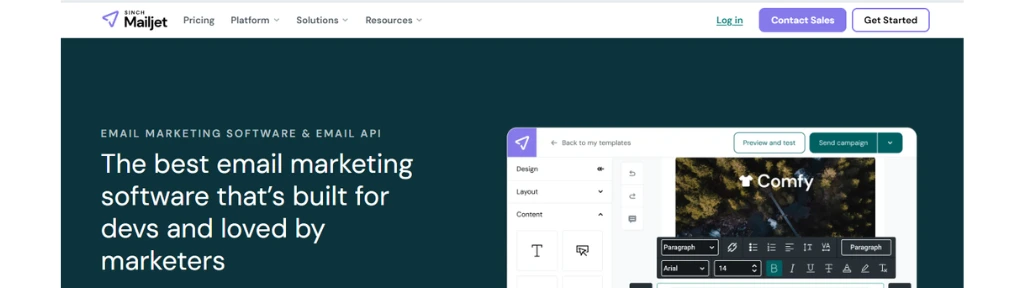
Mailjet is a team-friendly email marketing and email API platform that lets marketers and developers design, send, and automate marketing and transactional emails with strong deliverability and GDPR-compliant infrastructure.
Why it’s best for
Mailjet is best for teams that need both marketing campaigns and transactional emails in one place, plus real-time collaboration—multiple users can co-edit templates, comment, lock sections, and manage approvals.
It also suits businesses that want AI-assisted template generation and subject-line copy across many languages without losing brand consistency.
Ideal users
- SaaS and ecommerce companies sending high volumes via API/SMTP while marketing teams run newsletters, promos, and automations from the same account.
- Agencies or distributed teams needing role-based access, subaccounts, and collaborative editing.
Pros
- Unified marketing + transactional email with drag-and-drop editor, templates, segmentation, and basic automation.
- Strong collaboration: multi-user roles, real-time co-editing, comments, and section locking—rare at this price point.
- Transparent, volume-based pricing, solid free plan (thousands of emails/month), and scalable Premium/Custom tiers with dedicated support.
Cons
- Automation builder and behavioral logic are more limited than advanced ESPs; complex workflows can feel constrained.
- Deeper analytics (advanced bot filtering, comparisons, UTM insight) and faster support are locked to higher plans.
- Template variety and design flexibility are adequate but behind some design-led competitors, and new account approvals can be slow.
#9. Getresponse
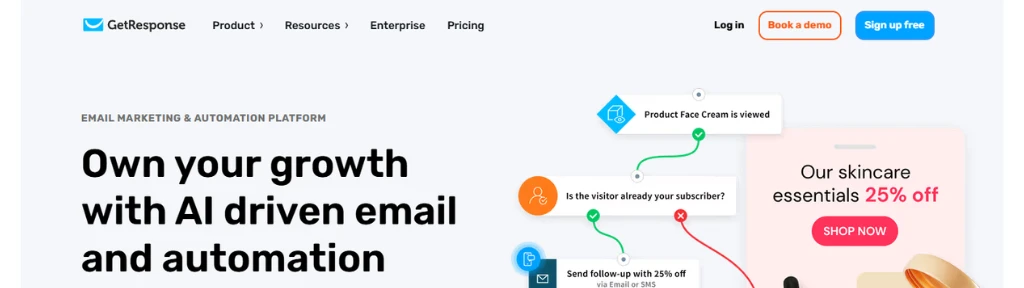
GetResponse is an all‑in‑one email marketing, automation, and funnel platform that bundles AI-generated emails, landing pages, webinars, funnels, and SMS/web-push into a single tool for 350K+ customers worldwide.
Why it’s best for
GetResponse is best for businesses that want to run complete lead‑capture and sales funnels (email + landing pages + webinars) without stitching together multiple tools.
Its OpenAI-powered email, campaign, and landing-page generators are especially strong for teams that need to move fast with limited copy or design resources.
Ideal users
- Ecommerce brands needing abandoned‑cart flows, product recommendations, and promotional campaigns.
- Course creators, coaches, and info-product sellers using webinars, lead magnets, and email sequences.
- SMBs wanting an affordable marketing automation suite with solid deliverability and list management.
Pros
- Unlimited newsletters, automations, and landing pages on core plans, plus strong 99% deliverability.
- Built‑in funnels, webinars, SMS, web‑push, forms, and AI campaign generator reduce tool sprawl.
- 150+ integrations and good educational resources (webinars, library) for ongoing support.
Cons
- Advanced automation, funnels, and some reporting locked to higher‑tier plans.
- Pricing climbs as list size grows; can feel expensive for very small lists over time.
- Interface can feel a bit dated or complex, with a learning curve for deeper workflows.
#10. Constant Contact
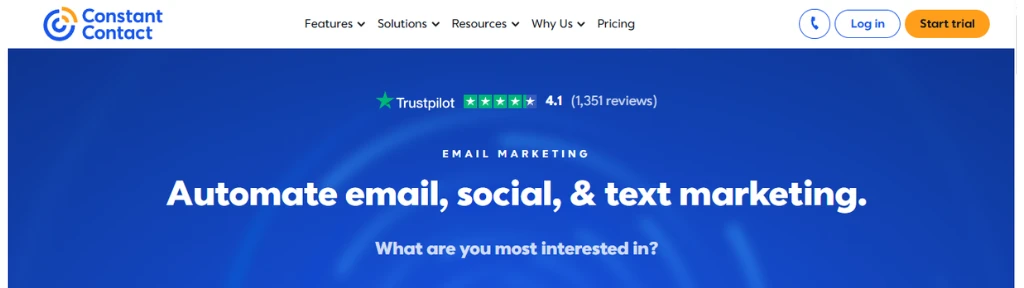
Constant Contact is a long‑established email and digital marketing platform that combines email campaigns, basic automation, list management, event and ecommerce tools, and some social media marketing in one service.
Why it’s best for
Constant Contact is best for small businesses, nonprofits, and local organizations that want a familiar, beginner‑friendly tool to send newsletters, promotions, and event emails without wrestling with complex automation builders.
Its large template library, strong onboarding, and phone support make it suitable for teams that value hand‑holding over deep technical control.
Ideal users
- Brick‑and‑mortar businesses, associations, and churches running recurring newsletters, events, and simple automations.
- Marketers who prioritize ease of use, templates, and support, and are less focused on advanced multi‑channel workflows.
Pros
- Very easy drag‑and‑drop editor, hundreds of templates, list management, surveys, polls, and basic automation out of the box.
- Extras like event marketing, simple ecommerce tools, and social media posting from the same dashboard.
- Phone and live‑chat support plus training resources, which many competitors lack.
Cons
- Pricing is higher than many modern alternatives and scales steeply with contact count; advanced features often need more expensive tiers.
- Automation, personalization, and multi‑channel capabilities are limited compared with tools like ActiveCampaign or Brevo.
- Users report mixed experiences with support quality, deliverability not always matching claims, and frequent upsell prompts inside the app.
#11. Emercury
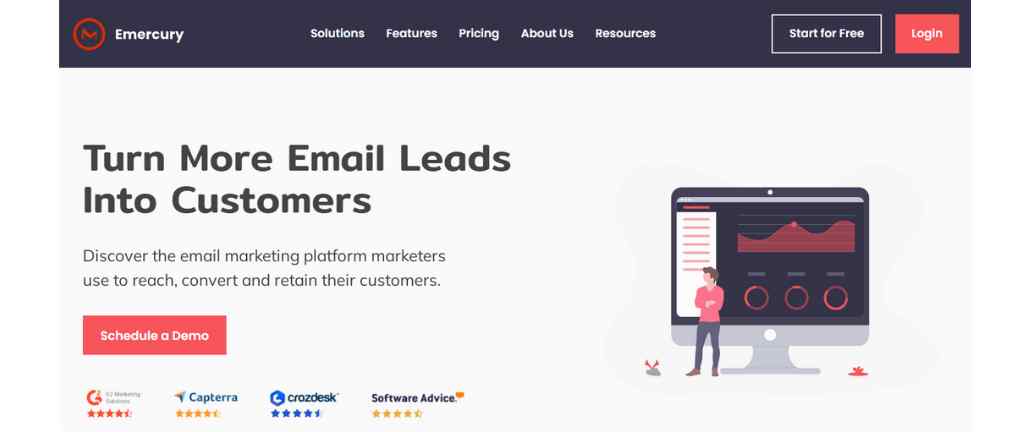
Emercury is an email marketing platform focused on helping marketers turn more leads into customers through behavior-based journeys, strong deliverability support, and hands-on service.
Why it’s best for
Emercury is best for teams that care deeply about inbox placement and want a provider that actively monitors deliverability, list hygiene, and engagement rather than leaving them to figure it out alone.
It’s also strong for senders running complex, behavior-triggered campaigns who value human guidance and managed services alongside the software.
Ideal users
- SMBs, agencies, and info-product marketers running high-volume broadcasts, drip campaigns, and event-based automations.
- Marketers who want detailed subscriber management (tags, segments, suppression, “never email” lists) and a partner-like support relationship.
Pros
- Robust feature set: broadcast emails, autoresponders, journey builder, A/B testing, advanced segmentation, list hygiene tools, and rich analytics (opens, CTR, bounces, spam, UTM, URL tracking).
- Strong focus on deliverability with monitoring, spam testing, and consulting plus optional campaign management services.
- Good list management (bulk unsubscribe, suppression lists, tagging) and integrations with 2,000+ tools via connectors like Zapier.
Cons
- Interface is powerful but can feel dated and overwhelming compared with newer, minimal ESPs.
- Pricing is less transparent publicly; many plans require talking to sales, which may deter small senders.
- Smaller ecosystem and fewer native, one-click integrations than mass-market tools like Mailchimp or Brevo.
#12. Kit
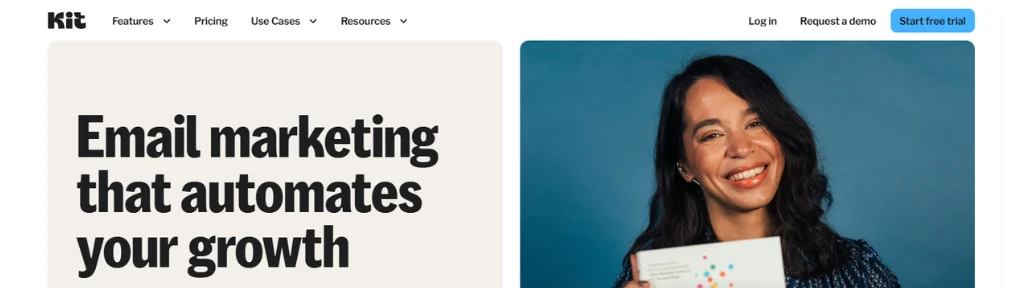
Kit (formerly ConvertKit) is a creator-first email marketing and newsletter platform that helps writers, educators, and creators grow, engage, and monetize their audience with automations, landing pages, and built-in commerce.
Why it’s best for
Kit is best for serious creators who treat their email list as a business asset and want visual automations, tagging, and segmentation without enterprise complexity.
It particularly shines when you want email + digital products + paid subscriptions + sponsorships (Kit Ads) in one creator-focused stack.
Ideal users
- Authors, newsletter writers, course creators, coaches, and podcasters selling digital products, memberships, or subscriptions.
- Solo or small teams who need reliable deliverability, simple visual automations, and deep creator-centric integrations (Shopify, Thinkific, Circle, Linktree, etc.).
Pros
- Strong visual automations, tags, and segments tailored to creator funnels (welcome, launches, evergreen).
- Native tools for landing pages, forms, recommendations, digital product checkout, subscriptions, and newsletter sponsorships.
- Excellent deliverability and a generous free plan for up to 10,000 subscribers (with unlimited emails, forms, and pages).
Cons
- Free plan restricts you to one automation and limits integrations; serious users must upgrade quickly.
- Pricing scales steeply as lists grow, often higher than generalist ESPs.
- Email editor, segmentation depth, A/B testing, and automation logic are more basic than advanced marketing platforms, making it less suited to complex enterprise use cases.
#13. Moosend
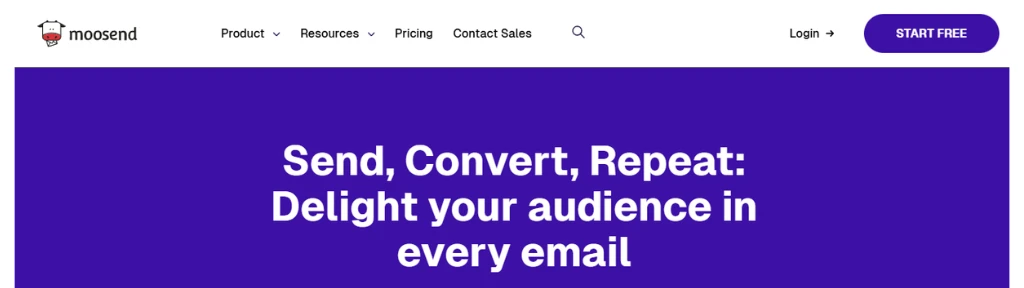
Moosend is a budget-friendly, intuitive email marketing and automation platform that helps businesses move from manual campaigns to fully automated, revenue-focused email journeys.
Why it’s best for
Moosend is best for small businesses, nonprofits, and agencies that want powerful email automation, landing pages, and lead-capture tools at one of the lowest price points in the market, with unlimited email sends on paid plans.
Its simple UI and ready-made automation workflows make it attractive for teams that need advanced journeys without enterprise complexity.
Ideal users
- SMBs, SaaS, and ecommerce brands needing welcome sequences, cart recovery, and re‑engagement flows.
- Nonprofits and budget-conscious marketers who want strong automation and support with discounts.
Pros
- Very affordable pricing with unlimited emails, robust automation workflows, and landing pages even on lower tiers.
- Easy-to-use drag‑and‑drop editor, templates, forms, and advanced segmentation plus website/event tracking.
- Strong customer support reputation, live chat, and extensive knowledge base.
Cons
- No true free‑forever plan; only a 30‑day free trial.
- Fewer native integrations (around 80+) than larger competitors, often requiring Zapier.
- Template and form variety, as well as deliverability and analytics depth, are good but not best‑in‑class versus premium ESPs.
#14. Beehiiv
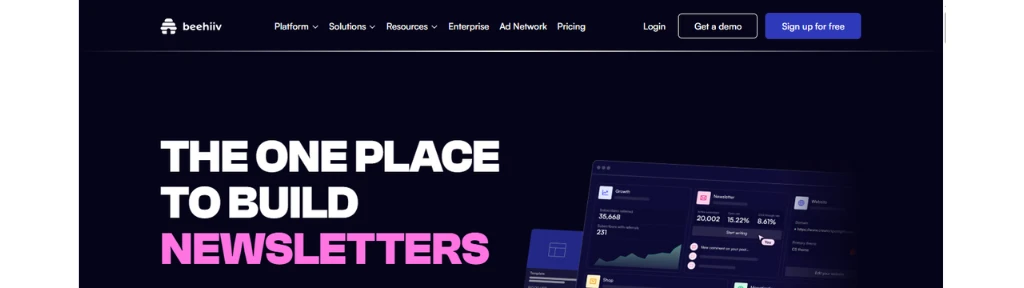
Beehiiv is a growth-focused newsletter platform that bundles email, websites, monetization, and analytics so creators can build, scale, and monetize an audience from one place.
Why it’s best for
Beehiiv is best for serious newsletter operators who want built‑in growth and revenue tools—referral programs, boosts, 0% fee paid subscriptions, digital products, and a native ad network—rather than just a basic email sender.
Its AI website builder, dynamic content, and advanced analytics (cohort and revenue tracking) make it strong for data‑driven audience growth.
Ideal users
- Media-style newsletters, creators, and publishers focused on turning a newsletter into a standalone business.
- Operators running multiple niche newsletters from one account who need segmentation, automations, and monetization at scale.
Pros
- All‑in‑one stack: editor, websites, AI site builder, automations, paid subscriptions, digital products, referral program, and ad network with 0% take rate on subs.
- Strong growth & monetization: boosts, referrals, detailed analytics, and high‑fill ad network opportunities.
- Modern UX and fast feature velocity, with tools like dynamic content and “link in bio” pages.
Cons
- Pricing jumps quickly as subscriber count grows; often pricier than generic email tools.
- Less flexible for complex, non‑newsletter marketing automation and has fewer deep third‑party integrations.
- Design/customization for websites and pages can feel limited, and breadth of features may overwhelm beginners.
Read – Beehiiv Review
#15. Campaign Monitor
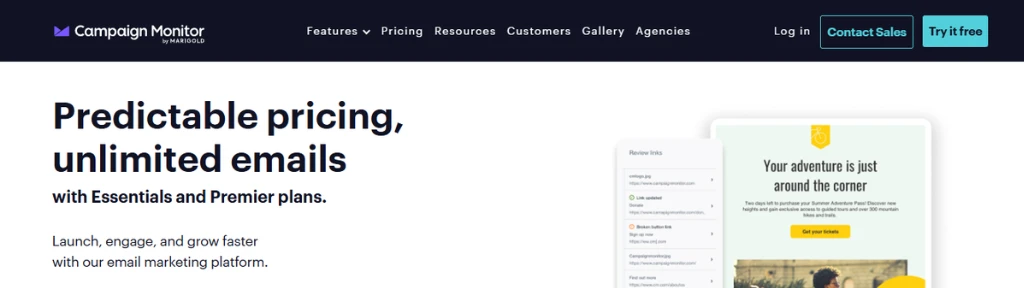
Campaign Monitor is a polished email marketing platform known for its elegant editor, strong analytics, and approachable automation via a visual journey designer.
Why it’s best for
Campaign Monitor is best for brands and agencies that care about on-brand design, detailed reporting, and customer journeys more than having an all‑in‑one CRM suite.
Its Marketing Monitor and Campaign Score benchmark your metrics (opens, clicks, bounces) against industry standards and suggest tactical improvements, making it strong for optimization-focused teams.
Ideal users
- Small to mid-size businesses and nonprofits sending newsletters, promotions, and event campaigns with some automation.
- Agencies managing many clients who need white-labeling, sub‑accounts, and reusable journeys.
Pros
- Excellent drag‑and‑drop editor, quality templates, mobile‑ready designs, dynamic content, and spam/design testing.
- Visual journey designer for approachable automation plus robust analytics (geo, device, client, click maps, benchmarks).
- Options for transactional emails, pay‑as‑you‑go sends, and strong agency features.
Cons
- Pricing is mid‑to‑high; costs rise quickly as lists grow, and advanced features sit in expensive Premier plans.
- Limited advanced analytics (no deep predictive or conversion tracking) and less customization than some competitors.
- Support is mostly email on lower tiers; priority/phone support requires higher plans.
#16. Mailmodo
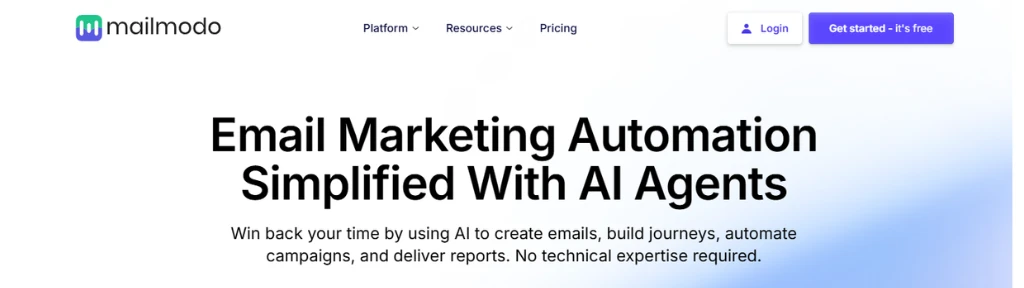
Mailmodo is an AI-powered email marketing platform built around interactive AMP emails that let subscribers take actions—fill forms, book demos, answer polls, play games—inside the inbox, dramatically boosting engagement and conversions.
Why it’s best for
Mailmodo is best for brands that care more about conversions than just opens and want to shorten funnels by embedding forms, surveys, carts, and calendars directly in emails.
Its new AI agents can plan campaigns, build emails, set up workflows, and analyze results via prompts, making it strong for lean teams.
Ideal users
- SaaS, fintech, edtech, and marketplaces running high-intent flows (sign‑ups, demos, feedback, NPS, onboarding) where every extra click hurts conversion.
- SMBs and marketing teams that want interactive experiences without coding, plus basic but usable automation and integrations.
Pros
- Standout interactive AMP emails: in‑email forms, quizzes, polls, games, RSVPs, and carts significantly reduce friction and boost response rates.
- Built-in AI assistant for campaign planning, content, workflows, and optimization; includes A/B testing, send‑time optimization, and API access on mainstream plans.
- Strong support reputation and transparent pricing focused on contact tiers rather than send volume.
Cons
- Automation, segmentation, and reporting are more basic than advanced ESPs like ActiveCampaign or Klaviyo; complex SaaS/lifecycle logic can feel limited.
- AMP experiences are not fully supported in all email clients (e.g., many Outlook/Apple Mail users see HTML fallbacks), reducing consistency.
- Pricing is higher than many entry-level tools and can feel steep for simple newsletter needs without heavy use of interactive features.
Not Recommended Email Marketing Tools
These email marketing services are no longer recommended – Activecampaign, Benchmarkemail, Aweber, and SendX.
Recommended Email Marketing Tools
Each of the tools mentioned in this extensive email marketing platforms list is very useful. But if it is overwhelming for you then here are some recommendations –
If you are just starting out then start with the free account of Mailerlite.
And if you want more marketing tools within the same platform then try SendPulse.
If you want high deliverability with effortless email and SMS automation then go with Omnisend.
My Recommendation
If I have to choose just one tool from this list to run successful email marketing campaigns, then my one & only choice will be Mailerlite.
Best Email Sending Service :
#17. Mailersend
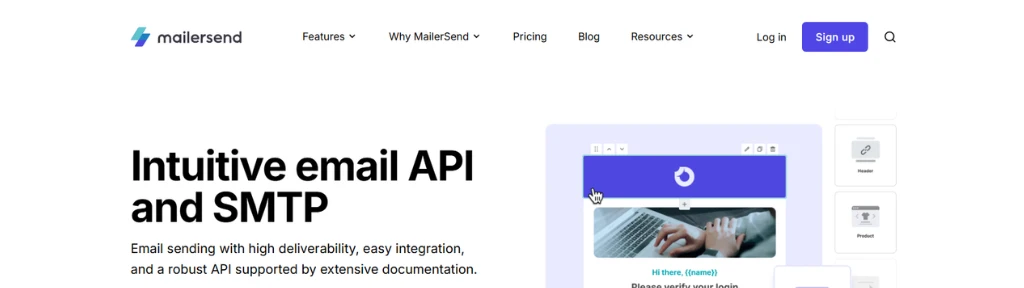
MailerSend is a developer‑friendly transactional email and SMS service that provides high‑deliverability email API and SMTP with clear pricing and strong team collaboration features.
Why it’s best for
MailerSend is best for SaaS products, ecommerce stores, and apps that need reliable, scalable transactional emails (password resets, order updates, alerts) rather than full-blown marketing campaigns.
Its clean API, SDKs for multiple languages, inbound routing, webhooks, and advanced templates make it ideal when integration speed and deliverability matter most.
Ideal users
- Developers and product teams building apps that must send high‑volume transactional emails or SMS with detailed analytics.
- Businesses already using MailerLite (same parent) that want a dedicated transactional layer with shared SSO and similar UX.
Pros
- Robust email API and SMTP relay with extensive docs, SDKs (Node, PHP, Python, Ruby, Go, Java, etc.), inbound routing, webhooks, and IP allowlisting.
- Strong deliverability, dynamic templates, email verification, activity log, and granular analytics; same support level across all plans with 24/7 help.
- Flexible pricing: free trial and free plan (around 500 emails/month), low-cost Hobby and scalable Starter/Professional with pay‑as‑you‑go overages.
Cons
- Focused almost entirely on transactional email; no full marketing automation, list management, or campaign builder, so most users need a separate ESP.
- Account approval and compliance checks can feel strict, with some reports of rejections or suspensions.
- Costs can rise for very high‑volume senders compared with commodity SMTP providers, and features like SMS add extra complexity.
Best Email Validation Tool :
#18. Zero bounce
ZeroBounce is an email validation and deliverability platform designed to help marketers and businesses keep their email lists clean and improve inbox placement.
It focuses on identifying valid email addresses in real time and in bulk, aiming to increase open rates and reduce bounces.
What it does best
ZeroBounce is best for real-time and bulk email verification, offering a stated accuracy of 99.6% for detecting invalid, risky, or mistyped addresses.
It also positions itself as a deliverability tool that helps improve sender reputation so campaigns reach more inboxes instead of spam folders.
Who it’s ideal for
The platform is ideal for email marketers, SaaS and ecommerce businesses, and anyone running large-scale campaigns where list quality directly impacts revenue.
It is also well-suited to teams that rely on forms or signups, since the real-time API can validate addresses as visitors submit them.
Key pros
- High claimed verification accuracy and focus on inbox placement.
- Supports both bulk list cleaning and real-time API validation.
- Integrations with 60+ website builders, CRMs, and email service providers, plus 100 free monthly verifications with business domains.
Notable cons
- Best value appears when sending high volumes; very small senders may not fully use the platform’s capabilities.
- Requires basic technical setup to connect the real-time API and integrations, which may be a hurdle for non-technical users.
Conclusion :
Email marketing is not a sprint, it’s a marathon. If you’re serious about staying ahead of your competition then it is imperative to find a reliable email marketing tool that not only meets your needs today but that will give your business the power to grow in the future.
In this article, we compared the features and pricing of the top email marketing software in order to hopefully help you choose an email marketing tool that’s going to be right for you.