In today’s fast-paced digital world, workflow automation has become an indispensable part for businesses seeking to streamline their processes, boost productivity, and save time.
With the rise of workflow automation tools, businesses can automate repetitive tasks, integrate various applications, and create efficient workflows that enhance overall efficiency.
While Zapier has been a popular choice for many, there is a growing demand for alternative workflow automation tools that offer unique features and cater to specific business needs.
In this article, we will explore the world of workflow automation tools and delve into some notable Zapier alternatives that can empower businesses to take their automation game to the next level.
Whether you’re a small business owner, a freelancer, or a project manager, this guide will help you discover the right automation solution to supercharge your productivity and streamline your workflows.
So, let’s dive in and explore the exciting world of workflow automation tools and their alternatives.
Disclosure: This post may contain affiliate links. This means if you click on one of the links and purchase anything I may receive some affiliate commission at no extra cost to you. Thanks in advance for your support.
Best Workflow Automation Tools
#1. Albato
Albato is my favorite no code workflow automation tool and the best alternative to Zapier. It lets you connect with 500+ apps, integrate the applications and automate your tasks.
You can even add new applications, platforms, or cloud services with public documentation to Albato.
This workflow automation tool is very easy to use, you do not need any coding knowledge to create your own workflow, just choose the apps to connect with each other, select a trigger and then select an action, and you are done.
Not just simple apps you can build your saas workflow automation ecosystem by building complex automations with the help of Albato.
There are enough resources on their site to get started on your own, you will find instruction articles, popular integrations, or visit their academy to learn how you can use this no code workflow automation software.
Albato Pricing
You can use it as a free workflow automation platform for creating 5 automation with only 2 steps per automation and 100 transaction per month.
Individuals can get the Basic plan of $15/month (billed annually) with 1000 transactions, and 20 active automation with unlimited steps per automation.
The most popular Standard plan of $42/month (billed annually) is useful for small businesses and gives you 5000 transactions and unlimited active automations.
The Pro plan costs $104/month (billed annually) and the pricing for the Enterprise plan is $162/month (billed annually) and gives you 15,000 and 30,000 transactions per month respectively.
If you want to increase your customer’s satisfaction as well as MRR with white-label native integrations then the pricing of Albato Embedded starts at $900/month.
If you don’t like to pay on a monthly basis then there is a good news for you, Albato also comes with different tiers of lifetime deals which are –
The Tier 1 costs $249 and gives you 20 active automations and 3000 transactions per month, the Tier 2 Lifetime deal of Albato costs $549 with unlimited active automations and 6000 transactions per month.
The Tier 3 plan costs $749 and Tier 4 of Albato lifetime deal costs $1149. both comes with unlimited active automations and gives you 12000 and 20000 transactions per month respectively.
#2. KonnectzIT
Konnectzit is another very useful workflow automation tool that helps you to connect apps and automate your tasks within minutes.
From their integration library choose your applications then use the flow builder to configure actions & fields and start the sync. Now the automation will start as everything will be done by Konnectzit.
You can save lot of hours by automating unlimited tasks that you perform on a daily basis. It comes with drag & drop visual connect builder which is very easy to use and helps you to visualize the automation.
There are already 900+ apps available in their library but if you want to connect and app that is not available there then look for the webhook feature of that particular app. If you find it then you can connect it with Konnectzit and start synchronizing data.
KonnectzIT Pricing
You can use Konnectzit free forever with 100 tasks & operations per month with unlimited workflows.
Each Konnectzit plan comes with unlimited workflows, the Pro plan costs only $10/month (billed annually) with 10000 tasks and operations per month.
Get 2 team members and 15000 tasks and operations per month with the team plan which costs $12/month(billed annually). Get 5 sub accounts and 50000 tasks and operations per month with the Agency plan of $40/month(billed annually).
#3. N8n.io
N8n is a very popular open source workflow automation software and another great alternative to Zapier.
Full source code of this low code automation platform is available. You can self host this platform and build complex automations.
This workflow automation software is good for technical people, although you don’t need any coding knowledge to automate basic tasks but to manipulate complex data you need to have some basic coding knowledge.
N8n lets you implement multiple triggers in your workflow, you can even branch or merge them or pause the flow if you want to.
You can integrate error noded into your workflows to catch errors and rerun individual nodes to test fixes. You can process data at scale with built in iteration functionality of n8n nodes.
N8n has a community of over 55k members and 350+ native integrations are available, businesses use it for lead automation, CRM customization, SaaS backend prototyping, customer integrations, etc.
As it is an open source workflow automation tools so you can write your own code and build custom integrations if needed, 600+ templates are readily available to give you a head start.
You can take advantage of its scalable performance, automated API auth, customizable error handling and share your workflows with a single click.
N8n Pricing (When hosted by N8n)
The Starter plan is for single users, costs €20/month and comes with 5 active workflows and 5k workflow execution with unlimited steps.
The Pro plan costs €50/month with unlimited users, 10 active workflows, 10k workflow executions with unlimited steps, collaboration on workflows, execution search, global variables, etc.
#4. Taskmagic

Taskmagic is another automation tool that replaces repititive manual works. Whatever you do manually on the web, it can be automated with Taskmagic.
You just have to record yourself once doing that task and then you can schedule it or run it on trigger with Taskmagic.
This automation tool can work with or without Zapier. It doesn’t even need APIs.
It can do basic manual tasks like typing, clicking, copying, pasting, etc which is not possible for other automation tools to perform.
Basically Taskmagic can work as an AI virtual assistant by cloning your way of doing anything on the web.
Taskmagic AI can recommend flows for your business and if you need to change any flow then just re-record yourself.
This workflow automation tool gives you features like unlimited automations, unlimited tasks, workspaces, looping, custom steps, webhooks, web scraping, etc.
Taskmagic Pricing
As of now you can get Taskmagic by paying one-time payment. For the Starter plan it costs $1199, for Growth plan it is $2399 and the pricing for the Enterprise plan is $4799.
#5. Make (Formerly Integromat)
Make is another powerful visual platform to automate taks, workflows, apps, systems, etc.
Imagine how you want to solve complex problems and build the workflows visually using the drag and drop builders.
In case of Make the workflows are called as scenarios and you can build scenarios with unlimited steps or connect unlimited apps.
You can schedule your scenarios or run it instantly to watch the data flow in real time. Collaborate with your team or customers if you want.
Integration with 1400+ apps are available or you can connect Make with any public API, it also lets you control all the aspect of your workflow execution.
There are advanced features as data manipulation, flow control, execution history, filtering, error handling, webhooks, etc. Sales, marketing, operations, IT, HR everyone can take advantage of this no code workflow automation software.
Make Pricing
The free plan of Make’s no code workflow builder gives you 1000 Ops/month while the paid plan starts at $9/month (billed annually) with unlimited number of active scenarios and 10000 Ops/month.
The most popular plan is the Pro plan which gives you full text execution log search, custom variables, priority scenario execution, etc and starts at $16/month (billed annually) with 10000 Ops/month.
You can get create and share scenarios templates, teams and team roles, high priority scenario execution with the Team plan that starts at $29/month (billed annually) with 10000 Ops/month.
#6. Integry AI

Integry is a software to embed integrations in your apps in minutes. It performs push/pull actions in any SaaS apps.
You just need to embed the widget in your SaaS app and send the data in your own format and Integry will handle the data mapping, logging, authentication, API changes, etc.
The set up is very easy, embed the code in your app and launch the widget, pick an action, provide authorization and configure the action. After that integry will return an invocation URL which you need to call to execute this action.
No coding is required to use this SaaS workflow automation software, add validation and business logic and integrate with 100+ apps or any API seamlessly.
You will be able to see the status of an integration and fix the issues, also view the changes a user has made over time.
Draw, preview and deploy integrations, start an integration or setup recurrent integrations or trigger integration from your own app.
You can call to any API using Integry’s powerful HTTP client, add conditions and loops or your own custom code to process any logic and test each steps.
Integry Pricing
The Starter plan for App Flows costs $99/month with only 1000 API calls included & one-way sync.
Pricing for both The Growth plan and Enterprise plan of App actions and Team plan and Enterprise plan of App Flows costs $499/month and $4999/month respectively.
#7. Integrately
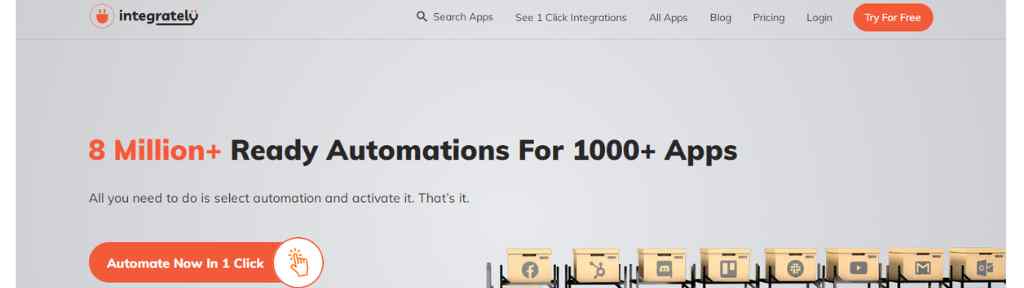
Integrately is the app workflow automation tool with 8M+ pre made automations with 1000+ Apps.
Just select your automation and connect accounts to start automating your app workflows. This is another Zapier alternative.
The Starter plan costs $19.99/month (billed annually) with 20 automations & 2000 tasks with other features.
The Professional plan costs $39/month (billed annually) with 50 automations and 10000 tasks.
You will get unlimited automations with 30000 tasks with the Growth plan of $99/month (billed annually)
The Business plan gives you 150000 tasks with unlimited automations and premium featues and cost $239/month (billed annually). You can also opt for their Pay as you go plan.
#8. Outfunnel
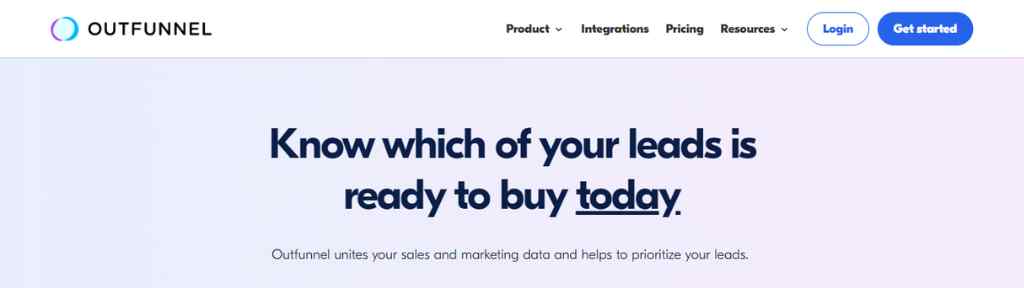
Outfunnel is a workflow automation platform specifically built for sales and marketing.
Sync all the data of your product usage, sales & marketing, see the activity of the leads on your site and segment them using the engagement data.
Connect the data sources (sales & marketing apps) with Outfunnel workflow automation platform and get the outcomes to your apps.
Get engagement history of your visitors, integrate with your CRM & workflows, measure the effectiveness of your marketing programs. Score your leads and take proper action.
Outfunnel Pricing
The Basic plan with 500 active contacts costs $59/month and the Professional plan with 2000 active contacts costs $119/month. You can try any plan for free with a 14 day trial period.
#9. Syncspider (E-Commerce Automation Platform)
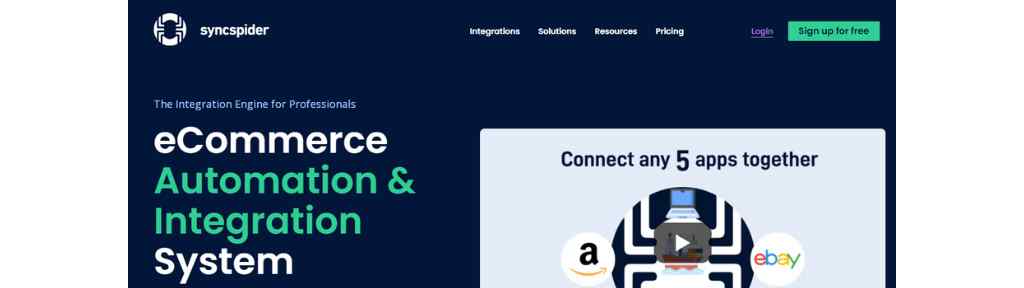
Syncspider is the e-commerce integration solution to optimize your workflows and boost your sales.
This workflow automation software provides you e-commerce specific integrations, sync your data to any app.
You can automate multiple data points at once, connect your ERP to anything and scale your business quickly.
Use their DataHub to create a data warehouse and systemize data to make changes, search for any specific items or import or export it.
This e-commerce automation platform provides flexible pricing, so you need to book a call to know the custom pricing according to your requirements.
Browser Automation Tool
Bardeen AI

Bardeen is an AI workflow automation tool to automate your repetitive tasks with a single click.
Bardeen ai works as a chrome extension, to use it you just need to type your desired workflow and its magic box will generate the entire automation from scratch.
It has mainly two products – builder and scraper and soon it will introduce breakthrough AI to automate manual workflows.
To use the Bardeen builder start adding actions then use conditions and add triggers to move data.
With its powerful scraper you can extract text, links, images, page title, etc, When you use the scraper you can save it as a template. Also use background scraping and deep scraping.
There are multiple use cases of this AI powered workflow automation software, from personal productivity to meetings, marketing, product development, marketing, sales & prospecting, recruiting, data research, etc. Bardeen can be proved useful everywhere.
Bardeen AI Pricing
Bardeen is a free workflow automation tool to run unlimited non premium automations.
You can get 500 credits/month for just $10 of the Professional plan which gives you access to premium automations and deep scraping.
You can try the Pro plan with a 14 day free trial which gives you unlimited access to magic box but with non premium automations.
PhantomBuster
PhantomBuster is a data scraping & lead generation tool but it can be used as an outreach automation tool for your social media accounts.
Warm up your leads by automating the outreach campaigns and track the performance in real time. Make your interactions personal on LinkedIn, Twitter, Facebook, Instagram, etc & grow your business.
If you want to know more about this platform then visit the PhantomBuster review article.
WordPress Workflow Automation Tool
FlowMattic
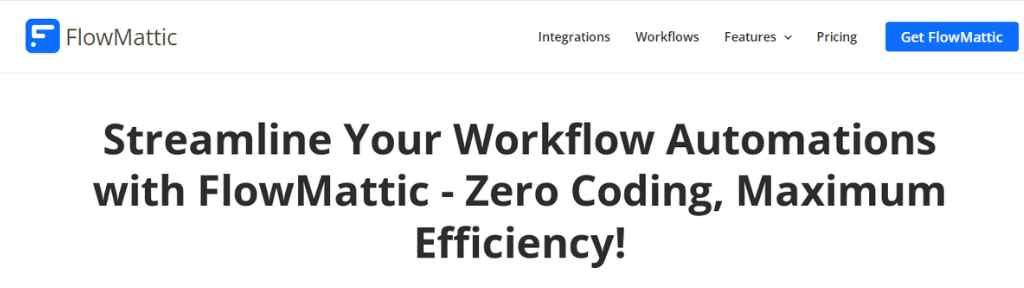
FlowMattic is an excellent workflow automation tool for WordPress users. If you want to maximize your efficiency without having any coding knowledge then it is an must have WordPress automation tool for you.
You can use the FlowMattic plugin and integrate hundreds of SaaS applications or custom web apps to accelerate your business process efficiency.
To use Flowmattic first create new workflow then install integration, choose the triggers and add the action steps.
17+ pre made workflows are there to get you started and 123+ integrations are available. It gives you unlimited worksflows and unlimited task executions.
There are more than 30 features with useful features like one click workflow clone and other features which are well enough to fulfill all your WordPress automation needs.
FlowMattic Pricing
You can use Flowmattic on 2 websites with the Personal plan of $99/year, use it on 5 websites with the Developer plan of $169/year.
The Business plan costs $249/year (for 25 websites) and the Ultimate plan costs $349/year (for 100 websites).
Spreadsheet Automation Tool
Logicsheet.co
It is the ultimate spreadsheet automation tool. You can automate the repetitive tasks that you perform in Google Sheets.
It is very easy to use, just set up a trigger and choose the conditions and run actions to automate your Sheets.
Various types of triggers are available with this Spreadsheet automation tool like – time driven trigger, form submission trigger, on-edit trigger, webhook trigger, etc.
You can automate all sorts of work related to sales, marketing, finance or e-commerce as long as you are using spreadsheets to do that work.
Try their Google Sheets formula generator tool to generate formulas with the help of AI for free.
Logic Sheet Pricing
Use Logic Sheet free forever with 5 executions per day. The Individual plan costs $11.92/month (billed $143.04 annually) and it includes unlimited executions per day, unlimited automation workflows, access to all utilities and function with live chat and email support.
Google workspace organizations can use the Team or Enterprise plans which costs $475.2/year and $2352/year respectively.
WorkFlow Automation Tools To Avoid
IFTTT
This is the workflow automation tools that you must avoid, there are numerous negative reviews about IFTTT.
This automation tool lets you connect apps and devices and is available on both App store and Playstore.
Fraudelent charges, misleading customers, spam mails, there are almost all types of bad reviews are available for IFTTT. So, you should definitely avoid this tool.
Pabbly
Pabbly is popular because of its lifetime offer, people who do not like to pay on a monthly basis looks for lifetime deals but this is not always good.
With Pabbly connect you can created automated workflows and transfer data between applications, it also offers email marketing solution and form builder.
Pabbly does not have good reviews, so many people claimed that they are unhappy after buying the lifetime offer and not received proper support, there are complaints about UX issues also. So, its better to avoid Pabbly.
My Recommendation
Albato is my recommended workflow automation tool, it’s a great alternative to Zapier. You can also try Konnectzit as it is very affordable. If your business is WordPress based then Flowmattic is the suitable workflow automation tool for you.
Best Marketplaces to Buy & Sell Online Businesses
Best LinkedIn Tools to Grow Your Brand or Business
Powerful Lead Generation Tool: PhantomBuster Review
Whatagraph vs Supermetrics: Best Marketing Metrics Tools
FAQs About Workflow Automation Tools
What’s a good Zapier alternative?
Albato is a good Zapier Alternative & N8n is an open source alternative to Zapier.
How to choose workflow automation tool?
When choosing a workflow automation tool, consider your specific needs, ease of use, integration capabilities, customization options, scalability, reporting, security, pricing, support, and user reviews. Identify your workflow requirements and ensure the tool’s interface is user-friendly. Check for integrations with other systems and customization options. Evaluate scalability and performance, reporting capabilities, security measures, and compliance. Consider pricing and ROI, and assess customer support and available resources. Research user reviews and reputation. By considering these factors, you can select a suitable workflow automation tool to streamline processes and improve productivity.
Zapier is great for general tasks, but for advanced AI integration with proper context handling, Web Context is a game changer. The TypeSafe AI approach via Jev AI ensures your automations are reliable and production-ready.