Fathom Analytics is the ethical analytics software that is one of the best alternatives to Google Analytics.
If you care about protecting your visitor’s privacy then it is the best analytics platform to go with. In this fathom analytics review article, we will explore more about it –
Disclosure: This post may contain affiliate links. This means if you click on one of the links and purchase anything I may receive some affiliate commission at no extra cost to you. Thanks in advance for your support.
What is Fathom Analytics? (Fathom Analytics Review)
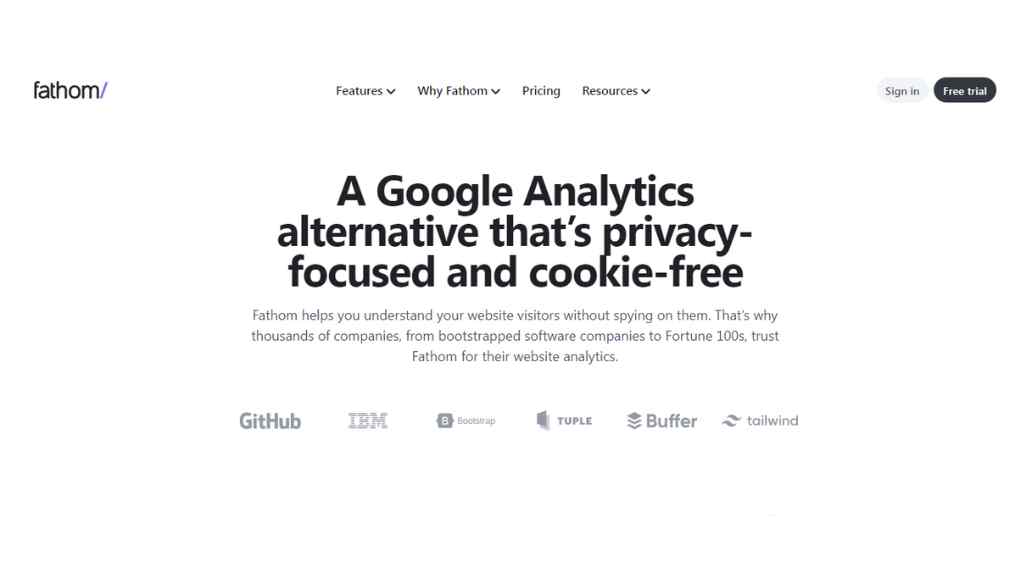
Most website owners use Google Analytics as it is free, but actually, it cost you the privacy of your visitors. Google lets you use their services for free because they monetize the data that they get from you or your site.
On the other hand usefathom or fathom analytics is a paid service but it is extremely affordable and worth using. Because fathom does not compromise visitors’ privacy nor do they sell any data.
Fathom Analytics Features: why you should use fathom?
Ease of use: Fathom analytics is very simple web analytics software, you will get an easy-to-use dashboard. It will highlight the key things about your website traffic so that you can take quick action accordingly. You can install it on any CMS without the help of any developers.
Privacy Protection: The best feature of usefathom as they put digital privacy as their first priority. Your EU traffic will be automatically routed through European-owned infrastructure, and their Canadian company has a GDPR adequacy ruling. And fathom analysis is fully compliant with GDPR, CCPA, ePrivacy, PECR (and more).
Get full analytics data: Millions of internet users use as blockers that’s why you can’t get all the data using Google analytics. But fathom analytics has a method of bypassing ad blockers and you get 100% data of all your visitors.
Faster speed for better SEO: Fathom does not use cookies, so you do not need to show a cookie consent banner that slows down your page speed. And the embed code script of usefathom loads from all over the world, and from the closest place of a particular visitor, so it will improve your page loading speed as well as your SEO.
No data will be sold: With their anonymous pageview tracking you can get assured that no personal data will be collected. That’s why they are paid, and they are an independently owned customer-driven analytics platform.
With every fathom plan, you will get free uptime monitoring and unlimited data retention. You can export your data via CSV, set up UTM campaign and event tracking, and even if your site suddenly exploded with traffic fathom will manage it with their infinitely scaling infrastructure.
Fathom Analytics Cons:
You can’t spy on your visitor and get their personal data, so as a marketer if you intend to do so then fathom is not useful.
You can’t host the data locally as fathom is a hosted solution with enterprise-grade infrastructure.
You can’t connect it with Google Search Console but it is not a con as this feature will be enabled very soon.
How to install the usefathom script?
To install the script in the header of your site you need to download the fathom analytics plugin.
How to add the embed script of Fathom analytics?
After logging in to Fathom click on settings and then click on sites, now add your site name to create a new site and click on ‘Create site’.
After that just copy the embed code and paste it into the head section of your site. For an existing site you can click on the site name and copy the embed code.
Fathom Analytics Walk-through
Protect Your Google Analytics Data By Importing It To Fathom Analytics
The Google Analytics importer is now available for all Fathom analytics customers, you can protect all your historical data of UA + GA4 from getting deleted by importing it to Fathom analytics & you can save it forever.
It will not include your personal data & no cost is involved for importing your data from GA to Fathom. Just go to “Settings” & then to “Imports” to get started. To get more clear watch the video below –
Fathom Analytics Pricing
The starting plan of Fathom analytics starts at $14/month for up to 100,000 monthly pageviews.
The next plans cost $24/month for up to 200,000 monthly pageviews and $44/month for up to 500,000 monthly pageviews.
It will cost you $54/month for up to 1,000,000 monthly pageviews, and $74/month for up to 2,000,000 monthly pageviews.
You can get 2 months free by switching to the yearly plan and all the plans include –
100% data ownership, uptime monitoring, up to 50 sites included, unlimited email reports & CSV data exports, privacy law compliance, no cookie banners required, forever data retention, an enterprise-grade infrastructure, and ad-blocker bypassing.